
Auto Clicker PC: A Smarter Way to Handle Repetitive Tasks
Turn manual clicking into automated efficiency with Auto Clicker PC.
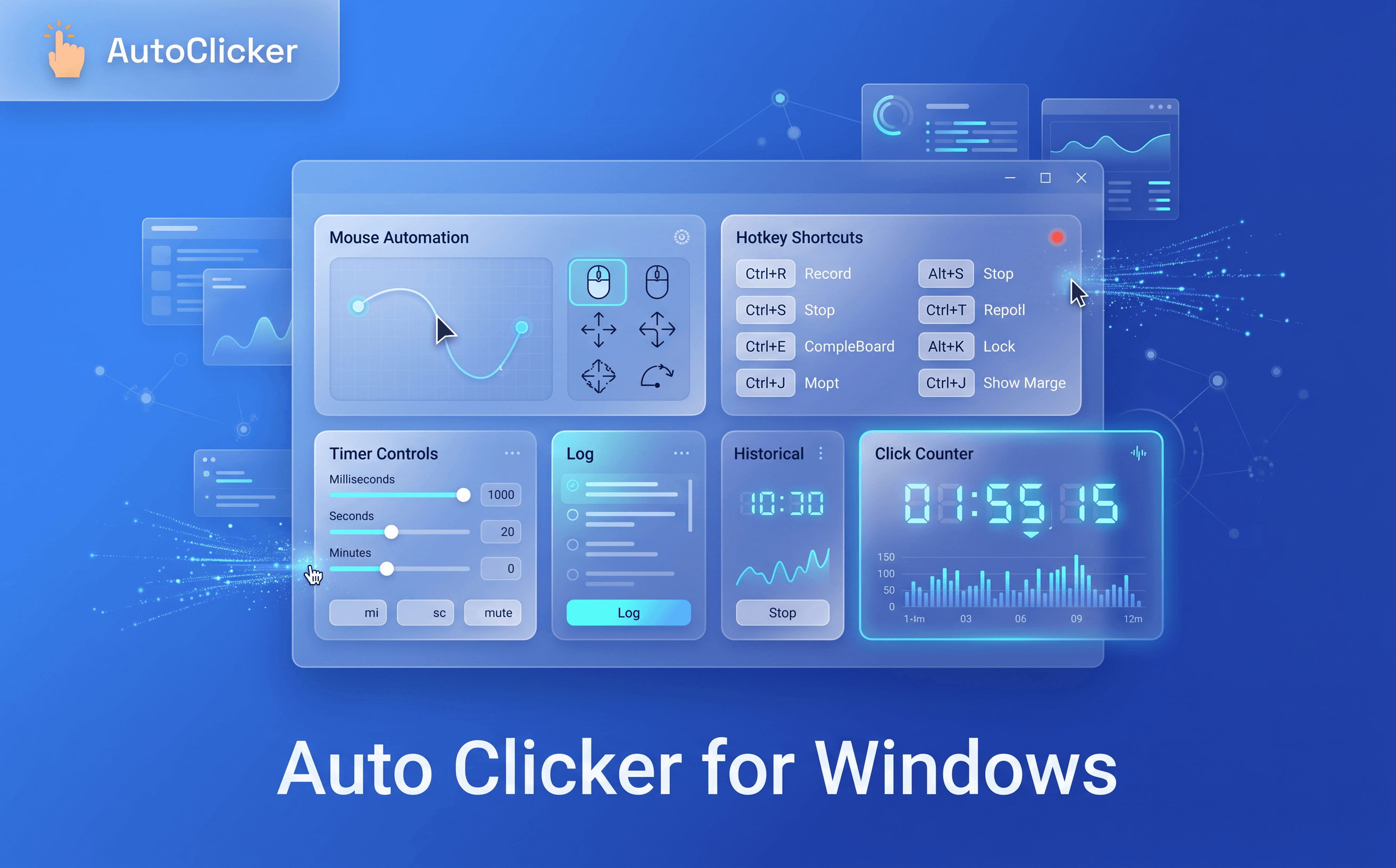
Working on a Windows PC often involves more repetitive clicking than most people realize. Whether you’re navigating browser tabs, completing online forms, managing business dashboards, or testing websites, repeating the same mouse actions throughout the day can reduce productivity and interrupt your focus. While each click may seem insignificant, hundreds of repetitive clicks quickly add up, making routine tasks slower and more tiring.
This is where an auto clicker for windows becomes a practical productivity tool. Instead of manually repeating identical actions, it automates mouse clicks based on your preferred settings, helping you complete repetitive workflows with greater speed and consistency.
Simple Auto Clicker is designed to make browser automation easy for every Windows user. With a lightweight Chrome extension, users can automate repetitive browser tasks in just a few steps, allowing them to spend more time on meaningful work instead of routine clicking.
Windows remains one of the most widely used operating systems for business, education, and personal productivity. From cloud-based software and CRM platforms to learning portals and administrative systems, much of today’s work takes place inside a browser. As these digital tools become part of everyday routines, repetitive clicking has also become more common.
An auto clicker for windows helps solve this challenge by automating repetitive browser interactions. Instead of spending time performing routine clicks manually, users can focus on planning, communication, analysis, and other tasks that require human attention. Automation doesn’t replace your work it simply removes repetitive actions that slow you down.
Another important benefit is consistency. Automated clicking follows the same timing and settings every time, reducing variations that naturally occur during manual operation. Whether you’re handling repetitive browser tasks or testing website functionality, automation creates a smoother and more reliable workflow.
An auto clicker for windows is an automation tool that performs mouse clicks automatically according to user-defined settings. Rather than clicking repeatedly by hand, users can configure click intervals and let the software handle routine browser interactions with consistent timing.
Unlike traditional automation software that often requires advanced configuration, Simple Auto Clicker is designed for simplicity. The extension integrates directly with Chrome, allowing users to automate browser tasks without complicated installation or technical knowledge.
Getting started is straightforward:
This simple process makes browser automation accessible for anyone looking to improve productivity on Windows.
Click automation works by simulating mouse clicks at intervals chosen by the user. Instead of manually repeating the same action, the extension performs those clicks automatically while maintaining consistent timing.
For example, if a webpage requires repeated button selections or continuous interaction, Simple Auto Clicker can automate those repetitive clicks, helping users complete the task more efficiently. Because the automation happens directly inside Chrome, users can continue working within their normal browser environment without switching to bulky desktop software.
One of the biggest advantages of using an auto clicker for windows is its flexibility. Instead of being limited to one specific activity, it supports a wide range of browser-based tasks that involve repetitive clicking.
Browser Navigation ➜
Many websites require users to move through multiple pages or repeatedly interact with the same buttons. Automating these clicks makes navigation faster and eliminates unnecessary repetition.
Online Forms ➜
Completing web forms often involves repeated actions such as selecting options or clicking Next, Continue, and Submit. Browser automation streamlines these repetitive interactions while allowing users to focus on entering accurate information.
QA Testing ➜
Developers and quality assurance teams frequently test buttons, menus, forms, and interactive website elements. Instead of manually repeating the same click sequence, automation provides a faster and more consistent testing process.
Office Work ➜
Daily office activities often include browser-based dashboards, CRM platforms, internal portals, and reporting systems. Simple Auto Clicker helps simplify repetitive browser interactions, allowing professionals to work more efficiently.
Repetitive Workflows ➜
Routine browser actions such as refreshing pages, confirming notifications, or navigating recurring processes can quickly become time-consuming. Automating these repetitive clicks helps create a smoother and more productive workflow.
Choosing the right automation tool is about more than just clicking automatically. A dependable solution should be easy to use, responsive, and flexible enough to support different workflows. Here are some features that make browser automation more effective.
Adjustable Click Intervals
Different websites respond at different speeds. Adjustable timing allows users to match click intervals with the task they’re performing, creating smoother and more reliable automation.
Repeat Modes
Some tasks require only a few repeated clicks, while others continue for longer periods. Flexible repeat options allow users to choose the automation pattern that best fits their workflow.
Start and Stop Controls
Good automation always remains under user control. Simple start and stop controls make it easy to activate or pause repetitive clicking whenever needed.
Lightweight Performance
Heavy automation software can affect system performance. Simple Auto Clicker is built specifically for Chrome, delivering reliable automation while maintaining a fast and responsive browsing experience.
Easy Setup
Users shouldn’t need technical knowledge to automate browser tasks. A clean interface and straightforward settings allow beginners to start using automation within minutes.
Browser automation helps users work more efficiently by reducing repetitive manual clicks. Simple Auto Clicker saves time, improves consistency, and allows users to focus on more important tasks.
Reducing Repetitive Mouse Clicks
Automates repetitive browser actions, reducing manual effort and making everyday tasks faster.
Saving Time Across Daily Tasks
Completes routine workflows more efficiently, helping users increase overall productivity.
Improving Workflow Consistency
Performs clicks with consistent timing, delivering smoother and more reliable browser automation.
| Feature | Manual Clicking | Auto Clicker for Windows |
|---|---|---|
| Repetitive Tasks | Performed Manually | Automated |
| Speed | Moderate | Faster and Consistent |
| Accuracy | Depends on User | Reliable Every Time |
| Physical Effort | High | Minimal |
| Productivity | Limited | Improved Workflow |
| Time Efficiency | Lower | Higher |
The best automation tools combine performance with simplicity. Simple Auto Clicker is designed specifically for users who want reliable browser automation without dealing with complicated software or advanced configuration.
Its lightweight design integrates directly into Chrome, making it easy to automate repetitive browser tasks while maintaining smooth system performance. Whether you’re managing online workflows, testing websites, or completing routine browser actions, the extension adapts naturally to your daily work.
Some of the key advantages include:
Instead of spending valuable time repeating the same browser actions, users can automate routine clicks and dedicate more attention to tasks that require creativity, analysis, and decision-making.
Repetitive clicking may seem like a small part of your day, but over time it can reduce productivity, interrupt concentration, and increase unnecessary effort. Browser automation offers a practical way to eliminate these routine actions while creating a faster and more organized workflow.
If you’re looking for a reliable auto clicker for windows, Simple Auto Clicker provides an easy-to-use solution that helps automate repetitive browser tasks with speed and consistency. Install the extension today and discover how smarter browser automation can save time, improve efficiency, and make everyday work simpler.
Free, element-aware, three permissions, no tracking. About 30 seconds from install to your first run.
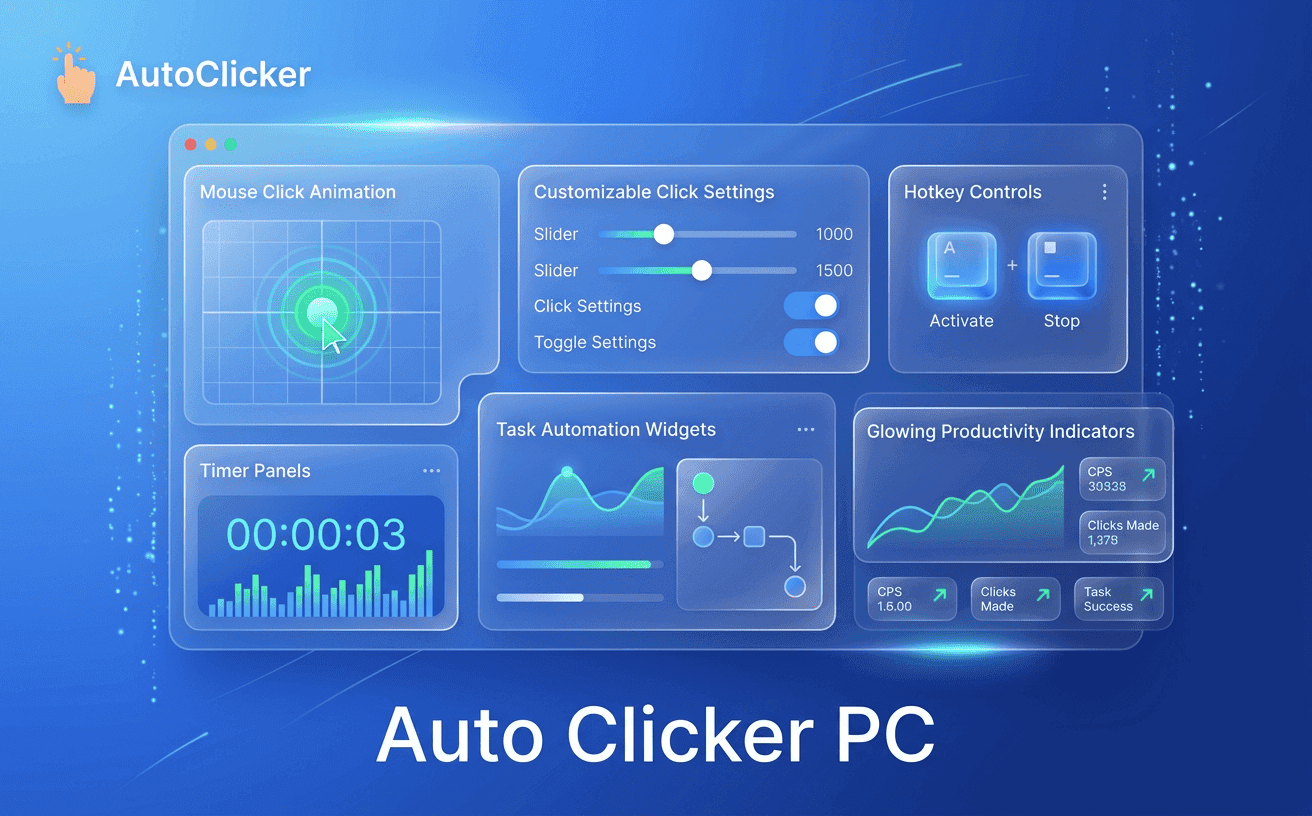
Turn manual clicking into automated efficiency with Auto Clicker PC.
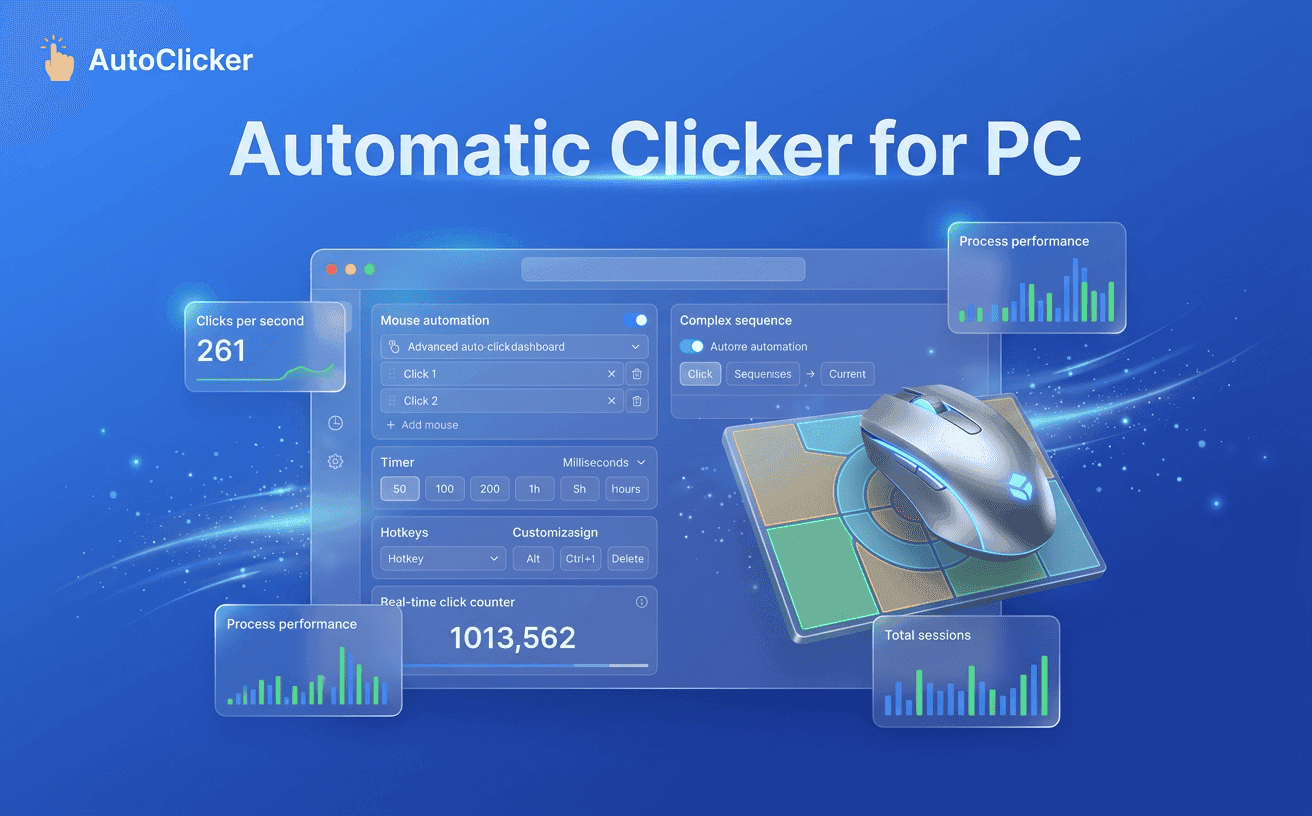
Complete repetitive computer tasks faster with smart click automation.

Boost browser productivity using the power of Auto Clicker Pro today.