
Auto Clicker Pro: Everything You Need for Faster Browser Automation
Boost browser productivity using the power of Auto Clicker Pro today.
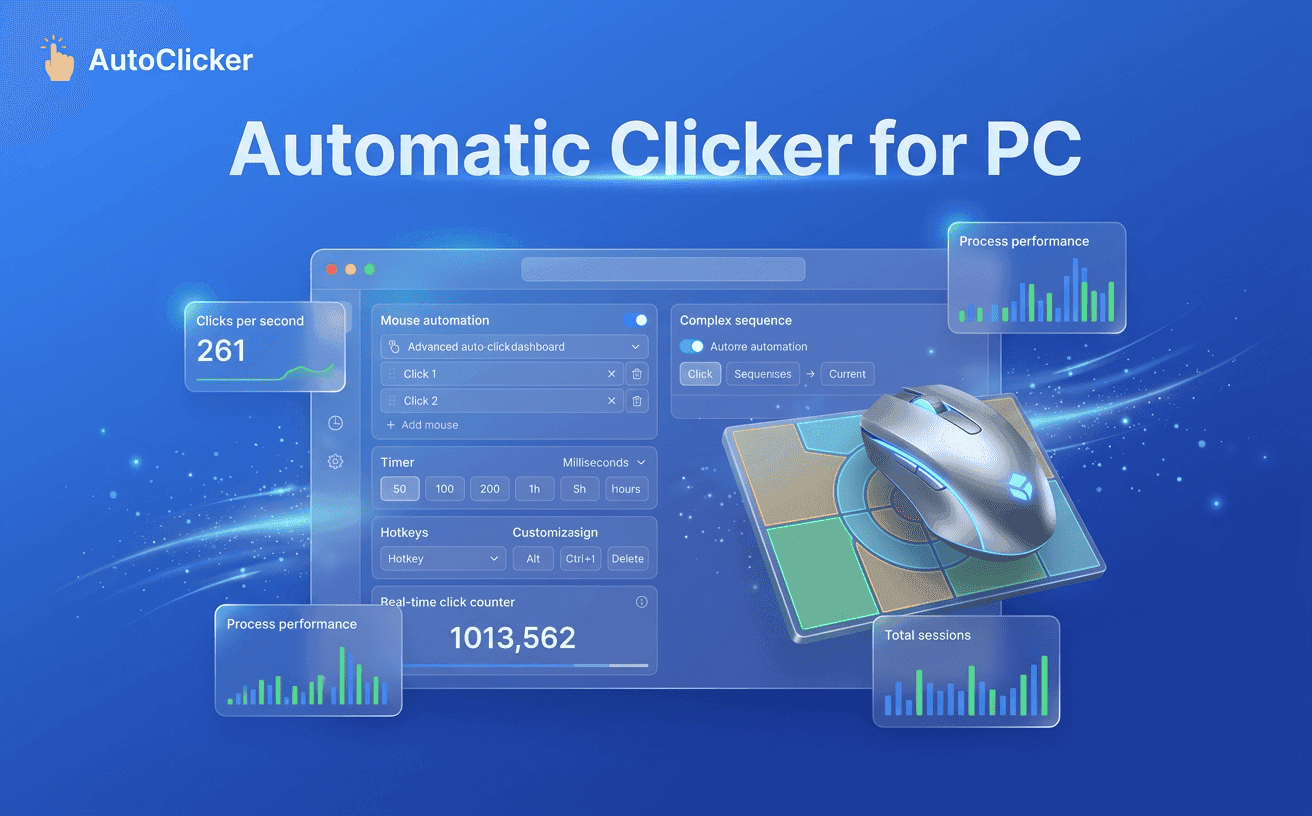
Every day, millions of people perform the same mouse clicks repeatedly without realizing how much time those actions consume. From navigating business dashboards and refreshing web pages to testing applications and completing routine online workflows, repetitive clicking has become an unavoidable part of modern computer use.
This is where an automatic clicker for pc becomes a practical productivity solution. Rather than replacing the way you work, it removes repetitive actions that don’t require manual attention.
Simple Auto Clicker is designed with this purpose in mind. Instead of requiring advanced technical knowledge or complicated software installation, it provides an intuitive Chrome extension that automates repetitive browser clicks quickly and efficiently. For users searching for an auto clicker for windows or a lightweight auto clicker pc solution, browser-based automation offers a convenient alternative that works directly where daily tasks take place.
Most repetitive tasks don’t seem significant at first. Clicking Next, refreshing dashboards, confirming pop-up messages, or selecting the same options repeatedly only takes a few seconds each time. However, these small actions accumulate throughout the day, consuming valuable time that could be spent on more productive work.
The biggest challenge isn’t simply the number of clicks, it's the interruption they create. Constantly repeating identical actions breaks concentration and reduces workflow efficiency. Instead of focusing on decision-making or creative work, users spend valuable time completing mechanical browser interactions.
An automatic clicker for pc helps eliminate these repetitive actions by automating them with consistent timing and accuracy. Rather than manually repeating the same click hundreds of times, automation performs routine interactions while users concentrate on higher-value responsibilities.
An automatic clicker for pc is a software tool that automatically performs mouse clicks based on settings selected by the user. Instead of manually repeating the same action, the software simulates clicks at predefined intervals, allowing repetitive tasks to be completed more efficiently and consistently.
Unlike traditional desktop automation programs that often require scripting or advanced configuration, Simple Auto Clicker focuses on simplicity. Users can install the extension, configure their preferred click settings, and begin automating repetitive browser actions within minutes.
The process is straightforward:
This intuitive workflow makes browser automation accessible even for users with little or no technical experience.
At its core, click automation follows a simple principle: it performs mouse clicks according to timing rules defined by the user. Instead of relying on manual interaction, the extension sends click commands automatically at consistent intervals.
For example, if a webpage requires the same button to be clicked every few seconds, Simple Auto Clicker performs the action automatically without requiring continuous user involvement. This consistency improves workflow efficiency while reducing repetitive manual effort.
Unlike bulky desktop software, browser-based automation integrates directly into Chrome, allowing users to stay within their existing workflow. For anyone searching for an automatic clicker for pc, this approach provides a lightweight, practical, and user-friendly solution that supports modern browser-based productivity.
The way people use computers has changed dramatically over the past few years. Most everyday work now happens inside a web browser rather than traditional desktop software. From project management and online collaboration to customer support and data processing, browser-based platforms have become the workplace for millions of users.
An automatic clicker for pc helps simplify these repetitive actions, allowing users to work more efficiently without changing their existing workflow.
One of the biggest reasons users prefer browser automation is its accessibility. Instead of installing large desktop programs or learning complex scripts, Simple Auto Clicker works directly in Chrome with an intuitive interface.
Not every automation tool is designed with everyday users in mind. Some solutions focus on advanced scripting, while others require extensive setup before they become useful. Simple Auto Clicker takes a different approach by providing a lightweight Chrome extension that makes browser automation straightforward and accessible.
The extension is designed to fit naturally into daily workflows without disrupting the way users already work. Whether you’re managing online business platforms, navigating browser dashboards, or performing repetitive web tasks, automation becomes part of your routine instead of an additional process to learn.
What makes Simple Auto Clicker stand out is its balance between simplicity and flexibility. Users can customize click intervals, control when automation starts or stops, and complete repetitive tasks without dealing with unnecessary complexity.
| Browser Activity | How Simple Auto Clicker Helps |
|---|---|
| Repetitive Browser Tasks | Automates repeated clicks on buttons, pages, and browser actions to save time and improve consistency. |
| Online Productivity Workflows | Reduces manual effort in cloud applications, dashboards, and business tools for greater efficiency. |
| QA Testing & Website Validation | Performs repetitive clicks consistently, making website testing faster and more reliable. |
| Administrative Tasks | Simplifies routine browser actions such as confirmations, navigation, and repetitive online processes. |
| Long Work Sessions | Minimizes continuous mouse clicking, reduces hand fatigue, and creates a more comfortable workflow. |
A reliable automatic clicker for pc should be simple, fast, and easy to use. Simple Auto Clicker combines essential automation features with a lightweight design, helping users automate repetitive browser tasks efficiently.
Flexible Click Interval Controls
Adjust click speeds to match different websites and workflows for smooth, consistent automation.
Repeat Modes for Different Workflows
Choose whether clicks repeat for a set number of times or continue until stopped.
Lightweight Performance
Designed for Chrome, Simple Auto Clicker delivers reliable automation without slowing down your browser.
Quick Start Controls
Start or stop automation instantly with simple controls that require no technical knowledge.
User-Friendly Interface
A clean and intuitive interface makes browser automation easy for both beginners and experienced users.
Getting started with browser automation doesn’t require technical expertise. A few simple steps are enough to begin automating repetitive browser actions and improving daily productivity.
Installing the Extension
Download and install Simple Auto Clicker from the Chrome Web Store. Once installed, the extension is ready to use without lengthy configuration or additional software.
Adjusting Click Preferences
Open the extension and choose settings that match your workflow. Configure click intervals, repeat options, and other preferences to suit the browser task you want to automate.
Running Your First Automated Task
Open the webpage where automation is needed, activate the extension, and start the click sequence. Monitor the process and stop automation whenever your task is complete. This simple workflow allows users to automate repetitive browser actions while maintaining complete control.
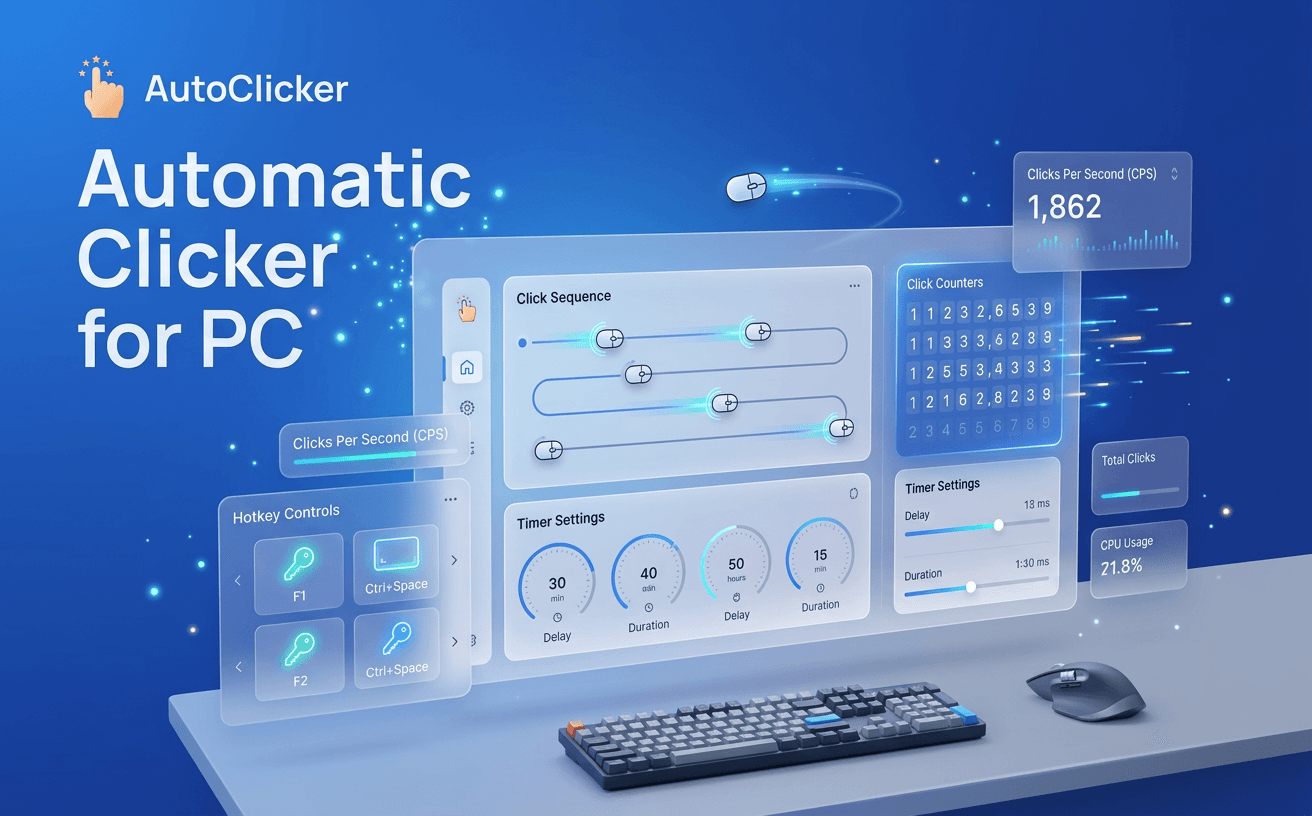
The real value of browser automation goes beyond saving a few clicks. Simple Auto Clicker helps users reclaim time, improve workflow efficiency, and complete repetitive tasks with greater consistency, making everyday work more productive.
More Time for Important Tasks
Automating repetitive clicks reduces the time spent on routine browser actions, allowing users to focus on work that requires creativity, analysis, and decision-making.
Consistent Performance Every Time
Unlike manual clicking, automation follows the same settings throughout the task, helping maintain reliable and accurate browser interactions.
A More Comfortable Workflow
Reducing continuous mouse clicking minimizes repetitive hand movement, making long work sessions easier and more comfortable.
Smarter Everyday Productivity
Whether you’re managing online tools, testing websites, or handling browser-based workflows, Simple Auto Clicker simplifies repetitive tasks so you can work faster and stay focused on what matters most.
Choosing between manual clicking and browser automation comes down to efficiency. While manual clicking works for occasional tasks, repetitive workflows demand a faster and more consistent solution.
| Feature | Manual Clicking | Automatic Clicker for PC |
|---|---|---|
| Speed | Moderate | Fast and Consistent |
| Accuracy | Depends on the User | Consistent Every Time |
| Repetitive Tasks | Time-Consuming | Fully Automated |
| Physical Effort | High | Minimal |
| Productivity | Limited | Significantly Improved |
Browser automation isn’t limited to one profession. Simple Auto Clicker supports a wide range of users who perform repetitive browser tasks as part of their daily routine.
Students
Students can simplify repetitive actions while accessing online learning platforms, educational portals, and digital resources, making study sessions more efficient.
Office Professionals
Daily work often involves browser-based dashboards, internal portals, and cloud applications. Automation reduces repetitive clicking, allowing professionals to focus on higher-value responsibilities.
Digital Marketing Teams
Marketing specialists frequently manage analytics platforms, advertising dashboards, and reporting tools. Browser automation helps streamline recurring interactions across multiple web applications.
Developers and QA Engineers
Website testing often requires repeating the same browser actions to verify buttons, forms, and navigation. Automation creates a faster and more consistent testing process.
Business Owners
Business owners who rely on CRM platforms, reporting dashboards, and online management tools can automate repetitive browser interactions to improve overall workflow efficiency.
The right automation tool should simplify your work rather than complicate it. Simple Auto Clicker is designed to provide reliable browser automation with a lightweight interface that anyone can use.
Some of the key advantages include:
Whether you’re handling repetitive browser tasks or improving productivity, Simple Auto Clicker offers an efficient automation experience without unnecessary complexity.
Yes. Simple Auto Clicker is designed with an intuitive interface, making it easy for beginners to automate repetitive browser tasks without technical knowledge.
Yes. The extension is built specifically for Chrome, allowing users to automate browser interactions directly within their existing workflow.
Yes. You can configure click timing to suit different websites and browser activities, ensuring smooth and reliable automation.
When used responsibly and downloaded from trusted sources, browser automation is a safe and effective way to improve productivity. Always follow the terms of service of the websites you use.
Simple Auto Clicker combines lightweight performance, easy controls, customizable settings, and browser-focused automation into one simple solution designed for everyday productivity.
Every repetitive click takes time away from work that truly matters. Instead of spending hours performing the same browser actions, let automation handle routine tasks while you stay focused on productivity.
If you’re searching for an automatic clicker for a PC that is lightweight, reliable, and easy to use, Simple Auto Clicker is the perfect choice. Install the extension today and experience a smarter way to automate browser tasks, improve efficiency, and simplify your daily workflow.
Free, element-aware, three permissions, no tracking. About 30 seconds from install to your first run.

Boost browser productivity using the power of Auto Clicker Pro today.
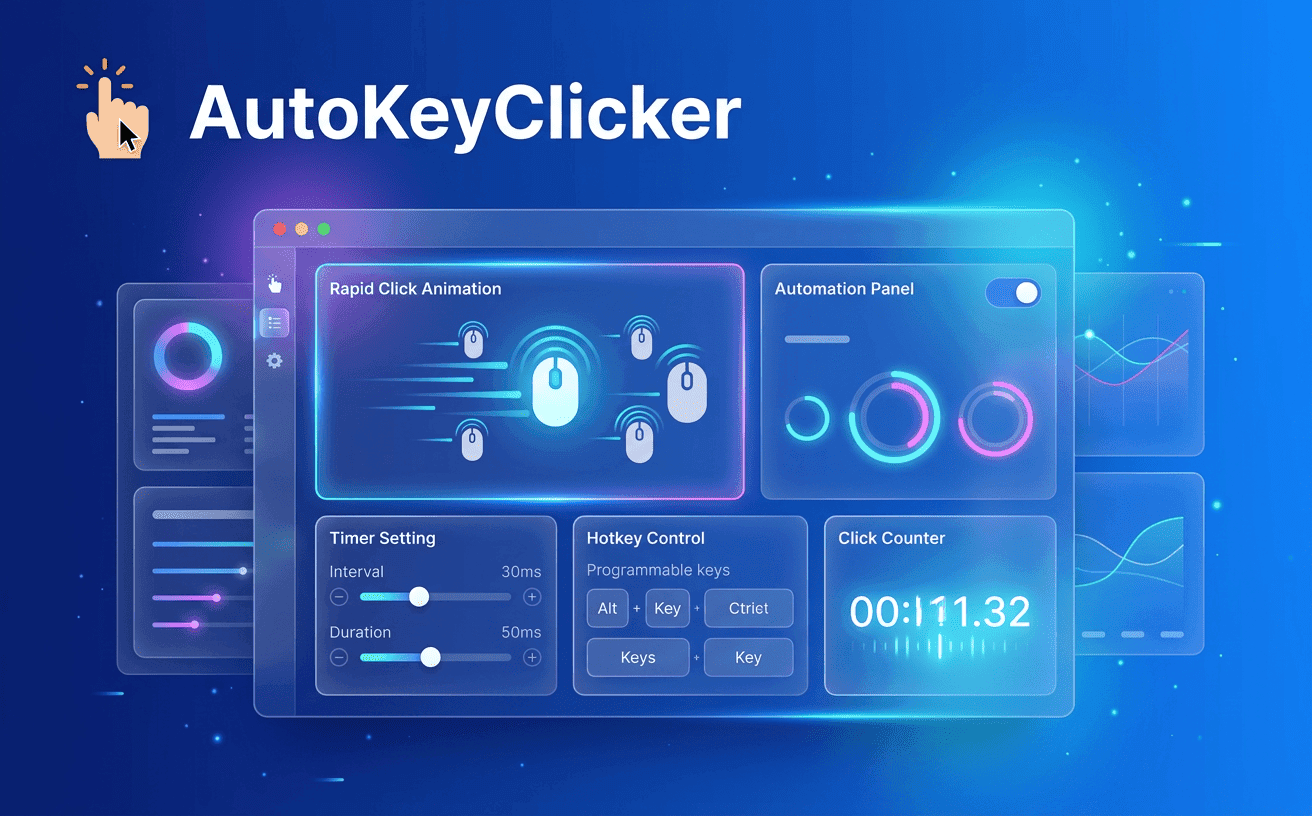
Master AutoKeyClicker to automate clicks faster and boost productivity.
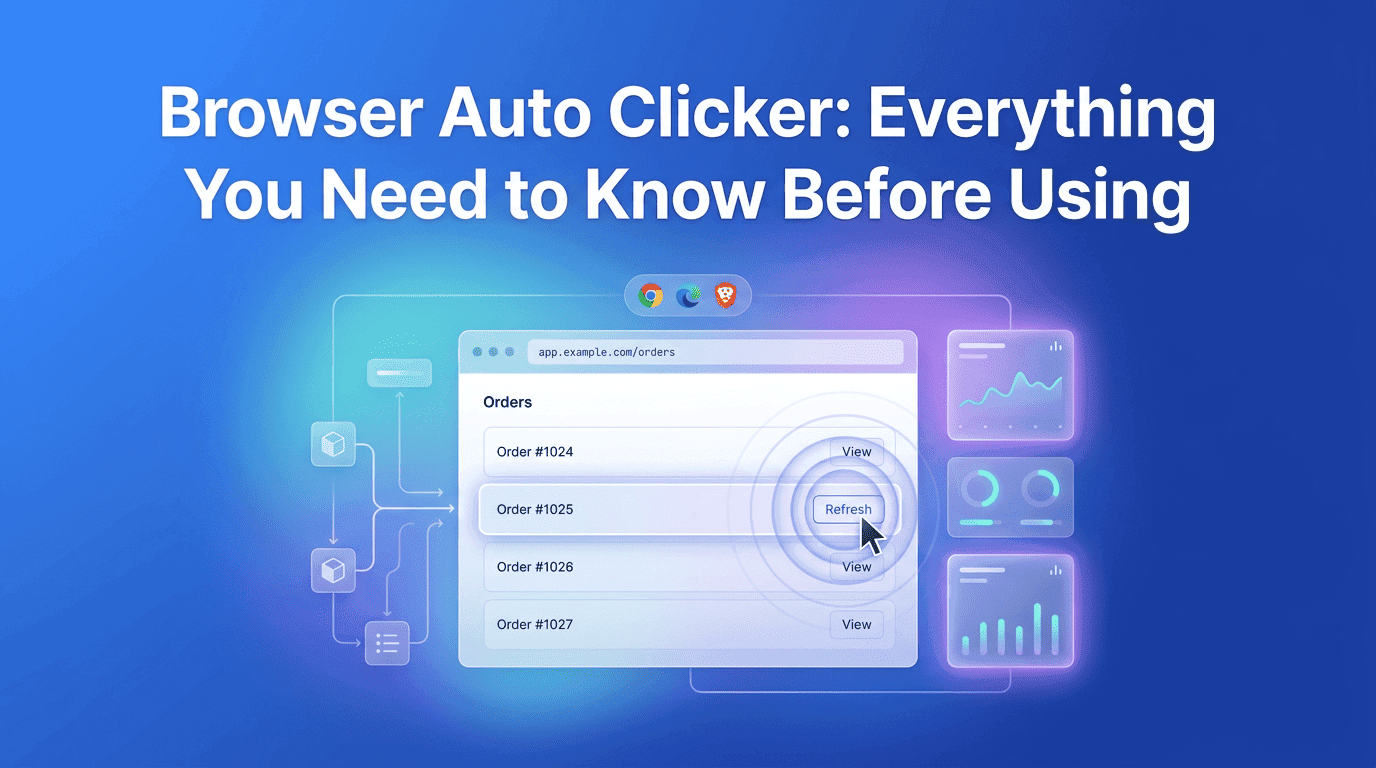
Everything you need to know about Browser Auto Clicker automation.