
Auto Tapping App Best Practices for Accurate and Efficient Mobile Automation
Create consistent mobile automation using a customizable Auto Tapping App.
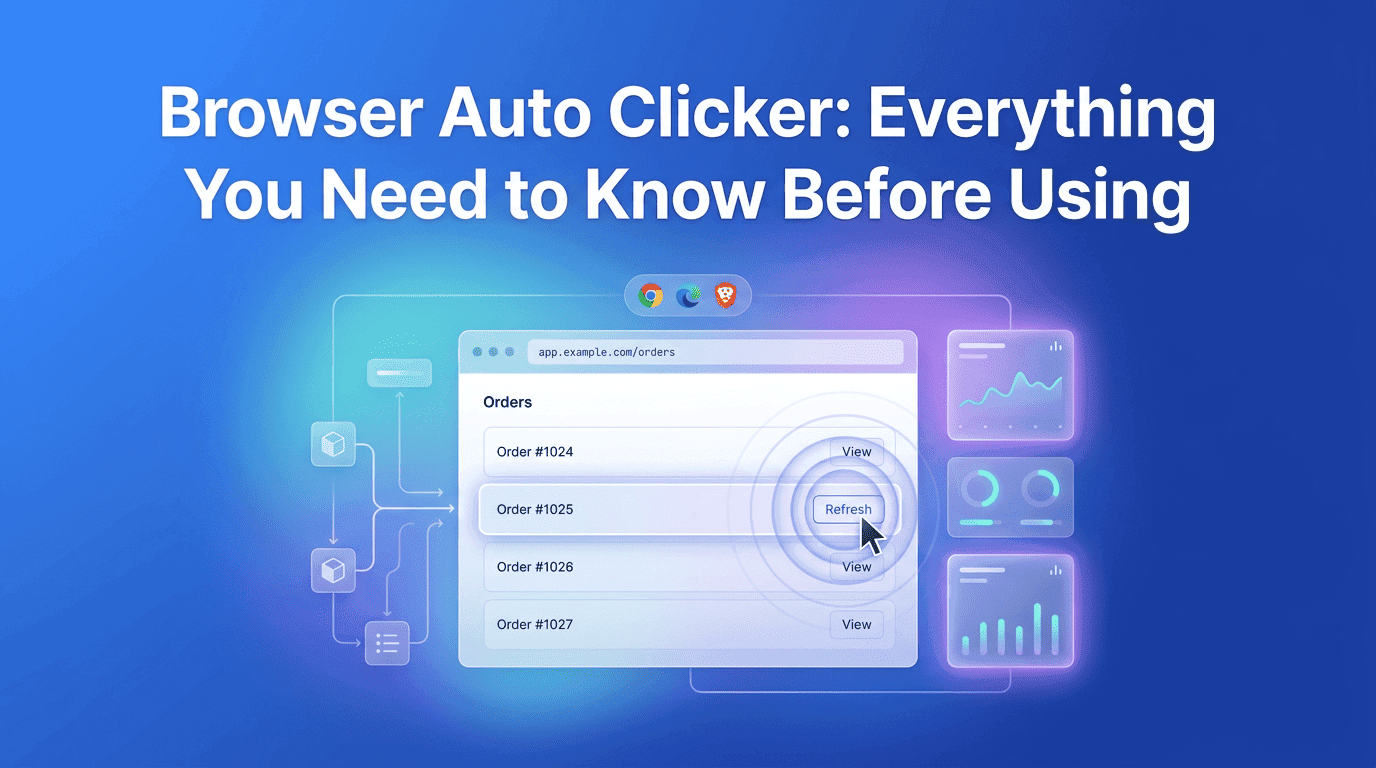
Repetitive clicking has become a common part of modern web browsing. Whether you’re managing online dashboards, testing web applications, filling forms, or performing routine browser tasks, repeated mouse clicks can quickly become time-consuming and mentally exhausting. While each individual click may only take a second, hundreds or even thousands of them throughout the day can significantly reduce productivity.
This is where a browser auto clicker becomes valuable. Instead of performing the same action repeatedly, users can automate clicks with consistent timing and precision. Rather than replacing user control, automation assists with repetitive actions so users can focus on decisions and meaningful work instead of routine interactions.
Solutions like Simple Auto Clicker are designed to simplify browser automation while remaining lightweight, responsive, and easy to configure. Before using any automation tool, however, it is important to understand how it works, where it is most useful, and the best practices for using it responsibly.
Behind the Automation
Browser Interaction
Behind every browser auto clicker is a combination of browser technologies working together. JavaScript manages timers and click intervals, while the Document Object Model (DOM) helps identify buttons, forms, links, and other interactive webpage elements.
This design allows extensions such as Simple Auto Clicker to integrate naturally into daily browsing without requiring complex software installations.
Productivity Improvements
Better User Experience
One of the biggest advantages of using a browser auto clicker is consistency. Manual clicking naturally varies over time as users become tired or distracted. Automation removes that inconsistency by performing every click according to the exact interval selected by the user.
Another major benefit is time management. Repetitive browser actions often interrupt concentration, forcing users to shift attention away from more valuable work. By automating those interactions, users can spend more time analyzing information, creating content, or making decisions instead of repeatedly pressing the same button.
Automation Controls
Performance and Security
Not every automation tool offers the same experience, so selecting the right features is important. A reliable browser auto clicker should allow users to customize click intervals to match different websites and workflows. Flexible timing ensures that pages have enough time to respond while maintaining smooth automation.
Ease of use is equally valuable. Extensions such as Simple Auto Clicker provide straightforward controls that make configuration simple, even for first-time users. A lightweight design also helps the browser remain responsive during longer sessions, allowing automation to run without affecting overall performance.
Browser and Device Performance
Website and Network Conditions
Even the best automation tools depend on the environment in which they operate. A browser with dozens of active tabs or memory-intensive websites may respond more slowly, affecting automation speed. Similarly, websites that constantly refresh content or load elements dynamically may require users to adjust click intervals for better accuracy.
Internet speed also influences performance. Although automation itself runs locally, many browser actions depend on server responses. Giving websites enough time to load before triggering the next click helps maintain a smoother workflow and reduces unnecessary errors.
Configure Automation Carefully
Maintain a Stable Browser Environment
Automation works best when configured thoughtfully. Extremely fast click intervals may not give webpages enough time to process each interaction, leading to inconsistent results. Starting with moderate timing and making gradual adjustments often produces better performance.
It is equally important to verify the selected webpage element before beginning automation. Testing for a few seconds allows users to confirm that the extension is interacting with the intended target. Regular browser updates also improve compatibility, helping automation tools continue working reliably as websites evolve.
| Feature | Browser Auto Clicker | Manual Clicking |
|---|---|---|
| Speed | Performs clicks automatically at set intervals | Depends on user speed |
| Accuracy | Maintains consistent timing | Can vary over time |
| Productivity | Frees users for other tasks | Requires continuous attention |
| Physical Effort | Minimal repetitive movement | Continuous mouse clicking |
| Workflow Consistency | Highly consistent | May fluctuate with fatigue |
| Long Sessions | Comfortable for repetitive work | Can become tiring |
The comparison clearly shows why automation has become increasingly popular. Manual clicking remains suitable for occasional interactions, but repetitive browser tasks are completed more efficiently through automation. By maintaining consistent timing and reducing physical effort, automation improves both productivity and user experience.
Smarter Automation Technologies
Improved Browser Integration
Browser automation continues to evolve as web technologies become more advanced. Future tools are expected to recognize webpage changes automatically, adjust click timing intelligently, and respond more effectively to dynamic websites without requiring manual configuration.
Artificial intelligence is also likely to play a larger role by helping automation understand webpage behavior and optimize interactions in real time. These improvements will make browser automation more accurate, efficient, and accessible to users with varying levels of technical experience.
A browser auto clicker has become an effective solution for reducing repetitive browser interactions while improving productivity and consistency. Whether used for testing, browser-based business workflows, educational platforms, or everyday online tasks, automation allows users to complete repetitive actions more efficiently without sacrificing accuracy.
Choosing a trusted solution such as Simple Auto Clicker ensures that browser automation remains lightweight, secure, and easy to manage. By understanding how automation works, configuring it responsibly, and following best practices, users can enjoy smoother browsing experiences while focusing their attention on more valuable work instead of repetitive clicking.
Free, element-aware, three permissions, no tracking. About 30 seconds from install to your first run.

Create consistent mobile automation using a customizable Auto Tapping App.
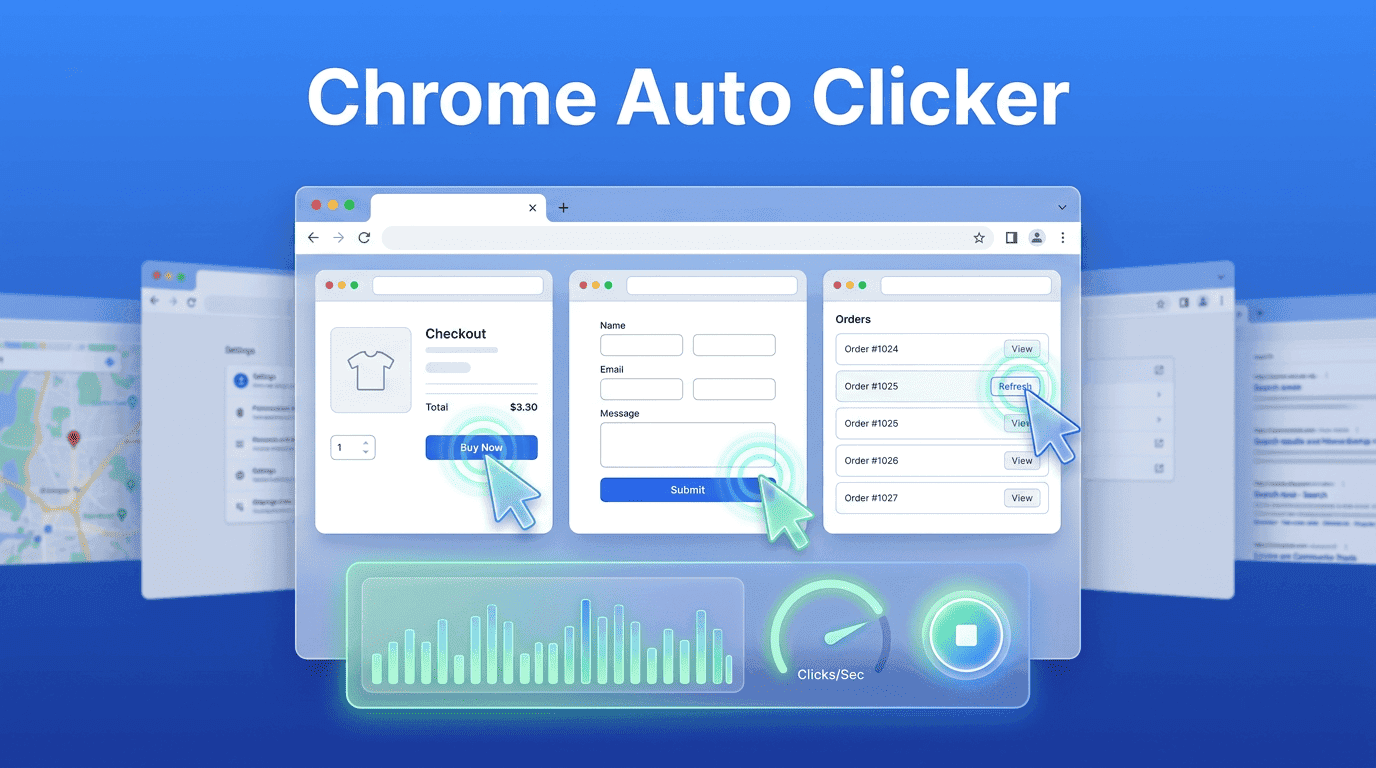
A practical guide to Chrome Auto Clicker for efficient browser tasks.
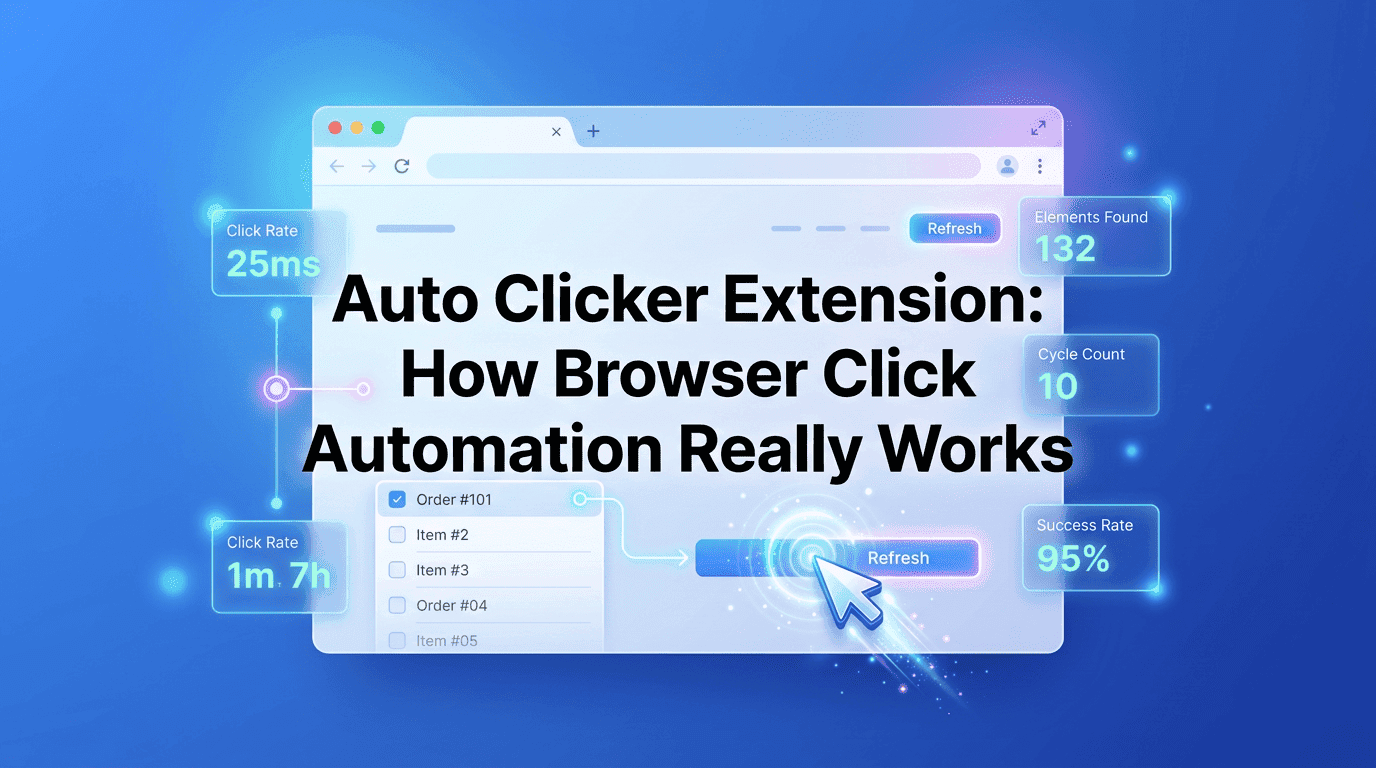
Automate browser tasks faster with a smart Auto Clicker Extension.