
Automatic Clicker App: Smart Automation for Faster Repetitive Tasks
Everything you need to know about Auto Clicker Apps today.
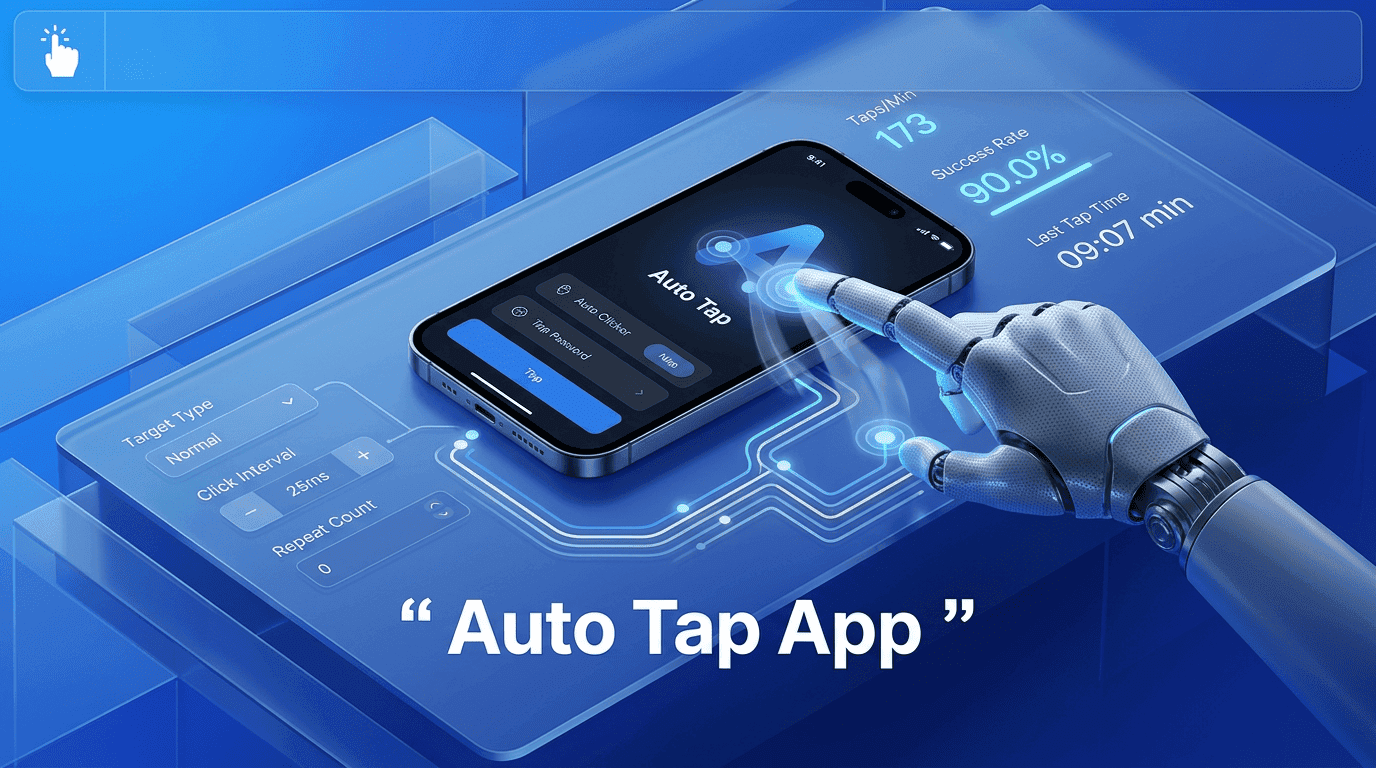
Mobile interactions are becoming more repetitive as apps, games, and digital workflows demand continuous touch input. From grinding levels in games to testing UI elements or repeating navigation steps, manual tapping quickly turns into a time-consuming and tiring process. This is where an auto tap app changes the experience by turning repetitive touch actions into smooth, automated workflows.
Instead of focusing on constant screen interaction, users can shift their attention to outcomes—speed, efficiency, and consistency. Modern tools like Simple Auto Clicker are built around this idea, offering controlled automation that adapts to different usage patterns without requiring technical knowledge.
The real advantage of this approach is how it reshapes everyday mobile usage into a more efficient system. Instead of repeating the same gestures manually, users can define precise automation patterns once and let them run consistently in the background. This not only reduces physical effort but also improves task reliability, especially in scenarios where timing and repetition matter.
An auto tap app is a mobile automation tool that simulates repeated touch inputs on a screen. Unlike manual tapping, it allows users to define where, when, and how often the screen should be tapped.
Rather than describing it in abstract terms, the real value becomes clear when you look at actual usage scenarios. In mobile games, players often need to tap the same area repeatedly to collect rewards or perform actions. In testing environments, developers simulate repeated user interactions to ensure app stability. Even in everyday usage, users may need to refresh pages or interact with repetitive UI elements.
An auto tap app replaces these repeated actions with automated execution. In tools like Simple Auto Clicker, users can select specific screen points, set timing intervals, and activate continuous tapping without further manual effort. The system runs in the background while the user focuses on other tasks.
This practical approach makes automation less about complexity and more about simplifying real interaction patterns.
Behind the simple interface of an auto tap app, there is a structured system that interacts with the device’s accessibility framework. This allows the app to simulate touch inputs just like a real user would.
Users typically start by selecting a tap location on the screen. After that, they define the interval between taps this could range from milliseconds for fast actions to several seconds for slower processes. Once activated, the automation engine repeatedly triggers touch events based on the defined configuration.
Modern tools such as Simple Auto Clicker enhance this process by adding floating controls, allowing users to start or stop automation instantly without leaving the active screen. This improves real-time control and reduces interruptions during tasks.
The flexibility of this system is what makes an auto tap app adaptable across different apps and workflows. Whether the task is simple or complex, the underlying mechanism remains consistent: simulate accurate touch actions based on user-defined rules.
Not all automation tools are built the same. A high-quality auto tap app focuses on precision, flexibility, and usability.
One of the most important capabilities is gesture customization. Users are no longer limited to single taps; modern tools support swipe actions, long presses, and multi-point interactions. This expands the range of tasks that can be automated.
Another key capability is dynamic interval control. Instead of fixed speeds, users can adjust tapping frequency in real time based on app response or task complexity. This ensures smoother performance across different environments.
Multi-zone interaction is another advanced feature. It allows multiple tap points to operate simultaneously or in sequence. In Simple Auto Clicker, this helps users automate complex workflows that require more than one interaction area.
Finally, background execution ensures that automation continues without requiring the app to stay in focus. This makes multitasking more efficient and reduces user dependency on constant monitoring.
The value of an auto tap app becomes clear when applied to real-world scenarios rather than theoretical use.
In gaming, users often need to perform repetitive actions like collecting resources, upgrading items, or navigating repetitive menus. Automation removes the physical strain of continuous tapping and ensures consistent execution.
In app testing, developers rely on repeated interactions to evaluate performance and stability. Instead of manually repeating the same steps, automation tools like Simple Auto Clicker help simulate consistent user behavior over time.
Even outside gaming and development, everyday mobile usage can benefit. Tasks like refreshing dashboards, interacting with repetitive interfaces, or navigating structured apps become significantly faster when automated.
This practical application shows that an auto tap app is not limited to one category—it supports multiple digital environments where repetition is unavoidable.
| Aspect | Manual Tapping | Auto Tap App (Simple Auto Clicker) |
|---|---|---|
| Consistency | Varies based on human effort, can be inconsistent over time | Maintains stable and precise timing throughout execution |
| Speed & Performance | Gradually slows down due to fatigue | Runs at fixed or adjustable speed without performance drop |
| Accuracy | Prone to missed taps and timing errors | Executes exact tap points with consistent precision |
| Fatigue Factor | Increases strain during long or repetitive sessions | Eliminates physical tapping effort completely |
| Workflow Stability | Performance decreases in long sessions | Stable interaction flow regardless of duration |
| Multitasking Ability | Requires full user attention | Allows users to focus on other tasks while automation runs |
| Efficiency Impact | Limited in high-repetition tasks | High efficiency in repetitive and time-based workflows |
#### How to Pick an Auto Tap App That Matches Your Usage Style

Choosing the right auto tap app depends on how and where it will be used.

For users focused on gaming, speed control and multi-point tapping are essential. Games often require rapid interactions and flexible input patterns, so responsiveness matters more than simplicity.

For productivity users, interface clarity and stability become more important. A clean setup like Simple Auto Clicker helps users configure automation quickly without unnecessary complexity.

Another important factor is customization depth. Some users only need basic tapping, while others require advanced gesture sequencing and multi-layer automation.

Performance stability is also critical. A [good auto tap app](https://chromewebstore.google.com/detail/Auto%20Clicker/aljpppgbdpdjekfbgppppjoakabmkodo) should run smoothly without affecting device responsiveness or draining system resources excessively.

By matching features with usage needs, users can avoid overcomplicated tools and choose automation that actually improves their workflow.


#### Advanced Users Approach to Auto Tap Automation Optimization

Advanced users treat automation as a system rather than a tool. Instead of simply enabling taps, they fine-tune timing, adjust interaction points, and optimize repetition cycles.

In tools like Simple Auto Clicker, optimization can include reducing unnecessary clicks, aligning tap intervals with app response speed, and structuring sequences for maximum efficiency.

Another approach involves testing different configurations to find the most stable pattern. Small adjustments in timing can significantly improve performance in certain apps or games.

Over time, users begin to build personalized automation setups that match their exact behavior patterns. This transforms an auto tap app from a basic utility into a customized productivity system.


##### Conclusion

The rise of mobile automation has made the auto tap app an essential tool for users dealing with repetitive screen interactions. From gaming and testing to everyday app usage, it provides a practical way to reduce effort and improve consistency.

With solutions like Simple Auto Clicker, users gain access to flexible, reliable, and customizable automation without technical complexity. The real value lies not just in saving time, but in improving control and reducing repetitive strain.

As mobile interactions continue to grow more complex, tools like the auto tap app will play a bigger role in shaping how users interact with their devices—making digital experiences faster, smoother, and more efficient.
Free, element-aware, three permissions, no tracking. About 30 seconds from install to your first run.
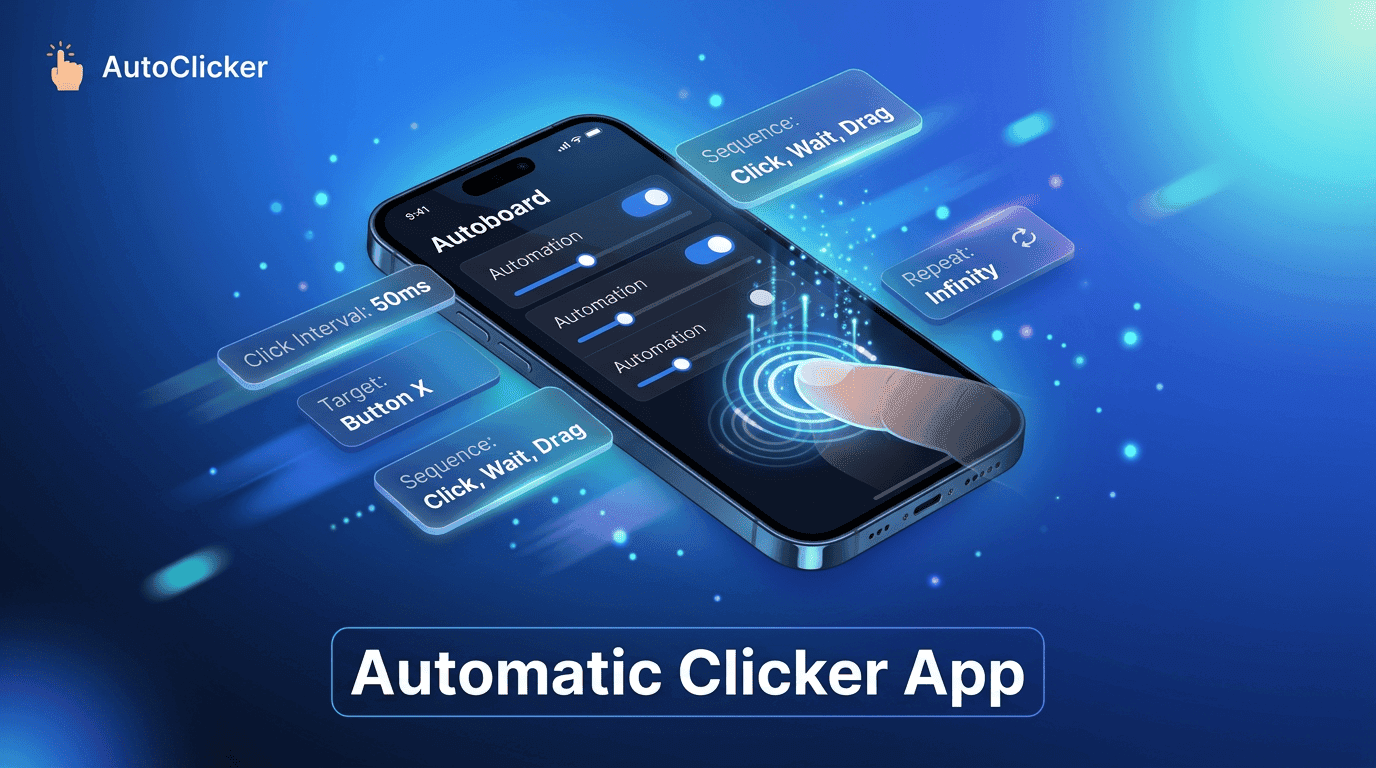
Everything you need to know about Auto Clicker Apps today.
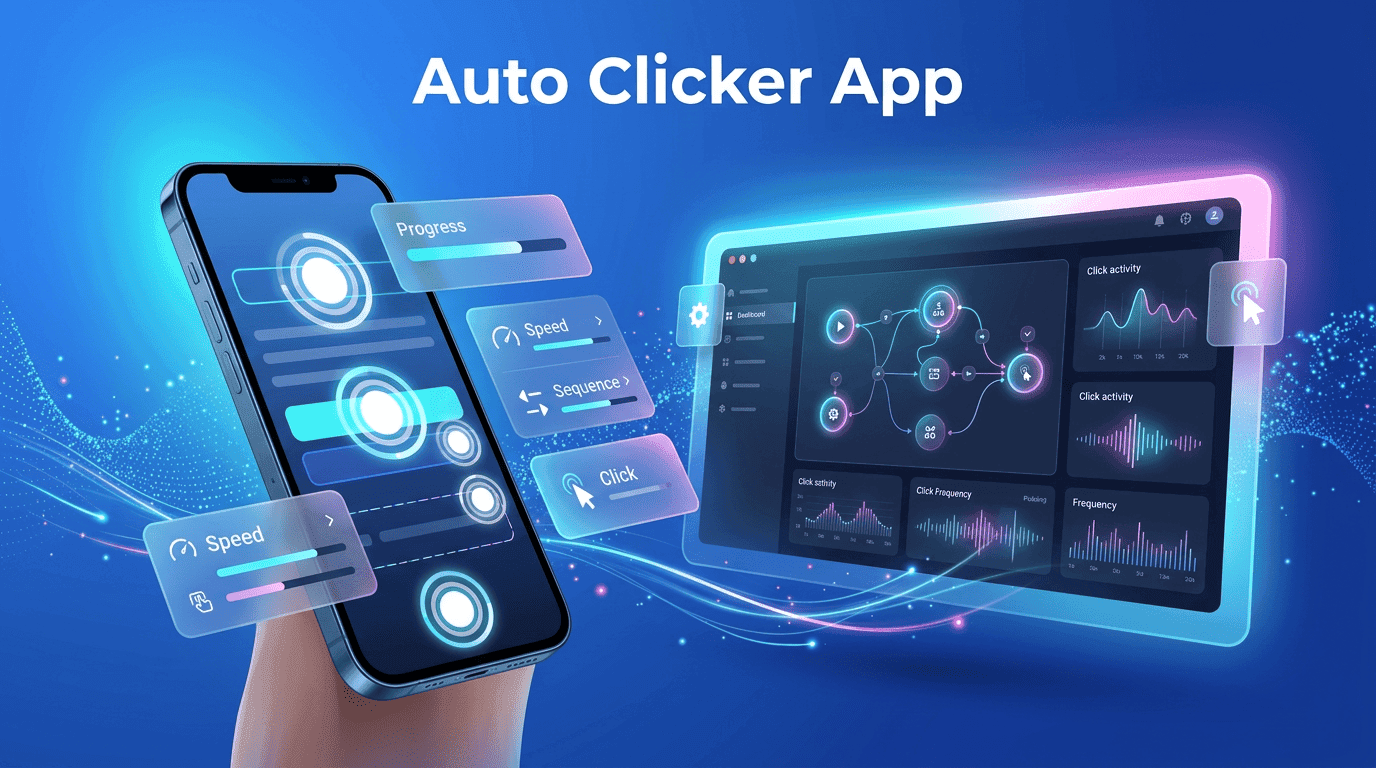
The ultimate Auto Clicker App guide for automated workflows.
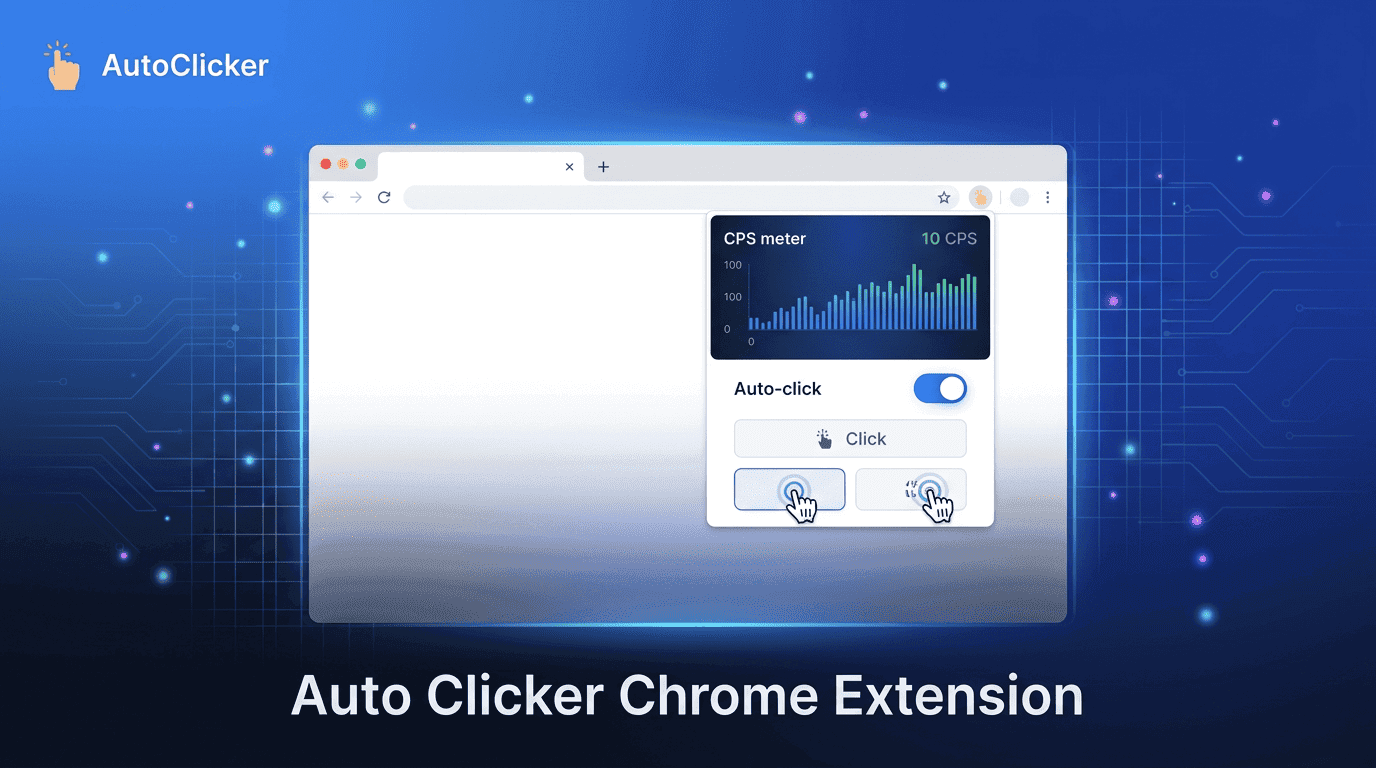
Reduce manual effort with Auto Clicker Chrome Extension automation power.