
Auto Tap App for Faster and Smarter Screen Interaction Control
Everything you need to know about Auto Tap Apps in 2026
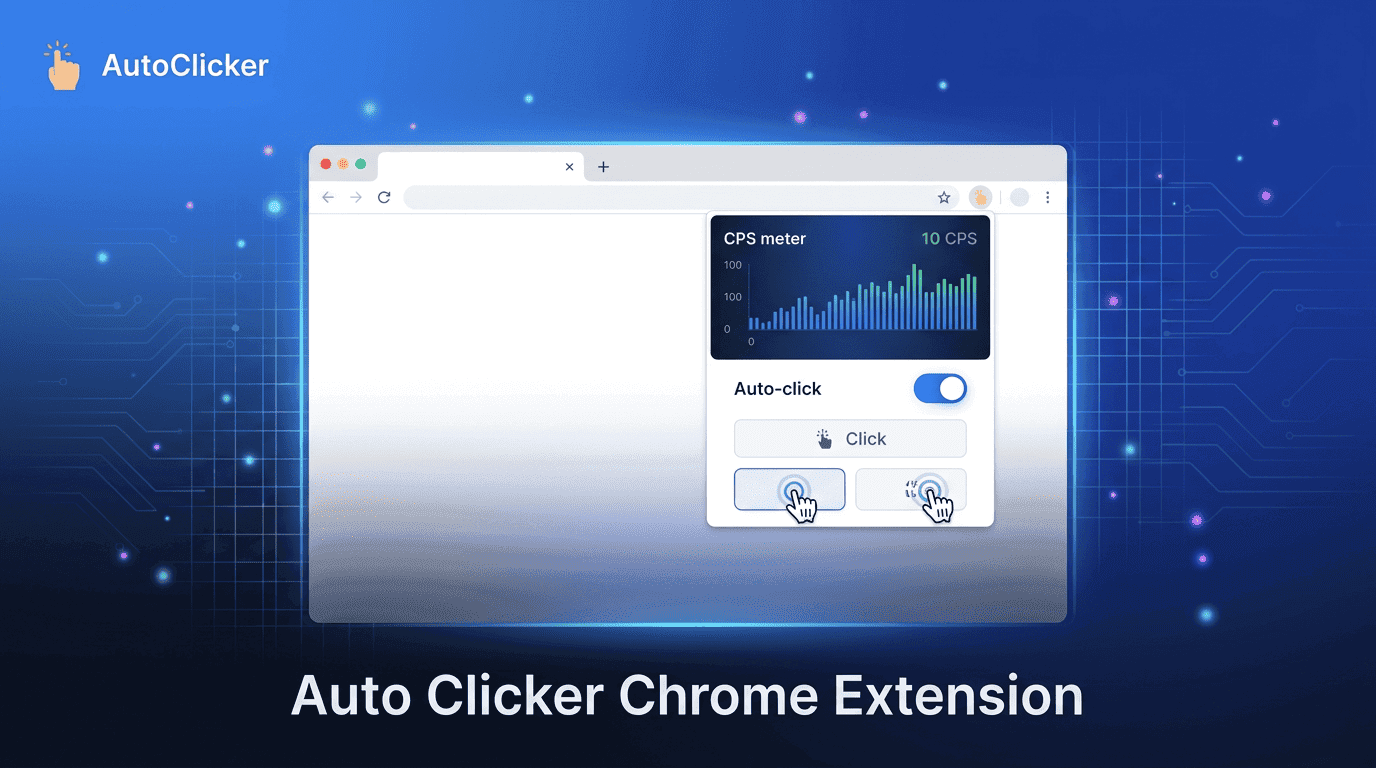
The Shift Toward Browser-First Automation
Modern computing has quietly moved away from heavy desktop applications toward fast, browser-centered workflows. From online learning to business dashboards and creative tools, most user activity now happens inside Chrome rather than installed software. This shift has changed how automation tools are built and used.
An Auto Clicker Chrome Extension is a direct response to this change. Instead of downloading bulky software, users can automate repetitive clicking directly inside their browser. Tools like Simple Auto Clicker reflect this new direction by focusing on lightweight, instant, and browser-native automation.
What makes this shift important is not just convenience, it is compatibility. Chromebooks, cloud-first devices, and modern web apps are designed around the browser, making extension-based automation a natural fit.
Traditional auto clicker software was designed for a different era of computing. While still functional, it no longer aligns well with today’s browser-driven workflows.
Installation Requirements Create Friction
Most desktop auto clickers require downloading executables, granting system permissions, and completing multi-step installations. For users who only need simple clicking automation, this process feels unnecessary and time-consuming.
High System Resource Usage
Desktop software runs outside the browser and consumes CPU and memory resources. On lightweight devices such as Chromebooks or entry-level laptops, this can lead to performance slowdowns, especially when multiple applications are open.
Compatibility Limitations
Modern workflows depend heavily on web applications. Many desktop auto clickers struggle to integrate smoothly with browser-based environments, especially on ChromeOS where system-level software support is limited.
Because of these issues, users are increasingly switching to a more efficient solution, the Auto Clicker Chrome Extension model, which eliminates installation complexity entirely.
Browser extensions represent a simpler and more modern approach to automation. Instead of operating outside the browser, they function directly within it.
Instant Setup and Activation
An Auto Clicker Chrome Extension can be installed and activated within seconds. There is no need for complex configuration or system access. This instant usability is one of the biggest reasons for its popularity.
Cross-Device Convenience
Since Chrome is available on multiple platforms, extensions work across laptops, desktops, and Chromebooks. This makes tools like Simple Auto Clicker highly flexible for users who switch between devices.
Lightweight and Efficient Performance
Extensions run within the browser environment, meaning they do not overload system resources. This ensures smoother performance, even during long automation sessions or multitasking scenarios.
Seamless Integration With Web Apps
Because most modern tools such as Google Docs, learning platforms, CRMs, and dashboards run in the browser, extension-based automation integrates naturally into daily workflows.
The difference between desktop software and browser extensions becomes clear when comparing real-world usage.
Performance Differences
Desktop tools may offer advanced features but often consume background resources. In contrast, an Auto Clicker Chrome Extension like Simple Auto Clicker focuses on lightweight execution within the browser.
Security and Control
Chrome extensions operate under strict permission systems. Users can review, enable, or disable them instantly. Desktop tools often require deeper system-level access, which can feel less transparent.
Ease of Use
Extensions win in simplicity. There is no installation folder, no setup wizard, and no system configuration. Everything is controlled from the browser itself.
Maintenance and Updates
An Auto Clicker Chrome Extension updates automatically through the Chrome Web Store. Desktop software often requires manual updates, downloads, or reinstallations.
This combination of simplicity and reliability is why extension-based automation is rapidly replacing traditional tools.
The practicality of browser-based automation becomes clear when looking at everyday use cases.
Chromebook Users
Chromebooks rely almost entirely on browser-based applications. For these users, an Auto Clicker Chrome Extension is not just convenient it is the most compatible automation option available.
Students and Online Learners
Students frequently interact with quizzes, assignments, and learning dashboards. These tasks often involve repetitive clicking, making automation a helpful productivity support tool.
Browser-First Professionals
Remote workers, freelancers, and digital professionals spend most of their time inside SaaS platforms, dashboards, and web tools. Extensions fit naturally into these workflows without disrupting productivity.
Simple Auto Clicker is designed with these user groups in mind, offering consistent performance without complexity.
As automation tools evolve, user expectations have also increased. A modern Auto Clicker Chrome Extension is expected to provide more than just basic clicking functionality.
Adjustable CPS Control - Users want control over click speed depending on task requirements. Different workflows require different levels of automation intensity.
Hotkey-Based Activation - Quick start and stop controls improve efficiency and allow users to manage automation without interrupting their workflow.
Click Scheduling Options - Some advanced users prefer timed or interval-based clicking for structured tasks.
Custom Automation Behavior - Flexibility is key. Users expect tools to adapt to gaming, testing, productivity, or educational use cases.
Simple Auto Clicker focuses on balancing simplicity with essential customization features to meet these expectations.
While Chrome extensions are generally safe, users should still practice responsible installation habits.
Review Permissions Carefully - Every Auto Clicker Chrome Extension requests certain browser permissions. Users should always understand what access is being granted.
Install From Trusted Sources - Only verified and reputable extensions should be installed to avoid unnecessary risks.
Check Update Activity - Active maintenance ensures better security and improved performance over time.
Tools like Simple Auto Clicker prioritize transparency and predictable behavior, helping users maintain trust and control.
Not all extensions deliver the same quality experience. Users should evaluate based on:
A well-designed Auto Clicker Chrome Extension should enhance productivity without introducing complexity or instability.
Browser automation is moving toward more intelligent and adaptive systems. Instead of simple repetitive clicking, future tools may include:
As ChromeOS and cloud-based applications continue expanding, extensions like Simple Auto Clicker are expected to evolve into more advanced workflow automation tools.
The demand for browser-native solutions will continue to grow as users increasingly rely on web applications for both personal and professional tasks.
The transition from traditional software to browser-based automation is not just a trend; it reflects a fundamental change in how people use computers today. Users now prefer tools that are fast, lightweight, and easy to access without installation barriers.
An Auto Clicker Chrome Extension delivers exactly that. It eliminates repetitive clicking, improves workflow efficiency, and fits naturally into modern browser-first environments.
With tools like Simple Auto Clicker, users gain a practical, efficient, and accessible way to automate everyday tasks without slowing down their devices.
Free, element-aware, three permissions, no tracking. About 30 seconds from install to your first run.
Everything you need to know about Auto Tap Apps in 2026
Everything you need to know about Auto Clicker Apps today.
The ultimate Auto Clicker App guide for automated workflows.