
Auto Tap App for Faster and Smarter Screen Interaction Control
Everything you need to know about Auto Tap Apps in 2026
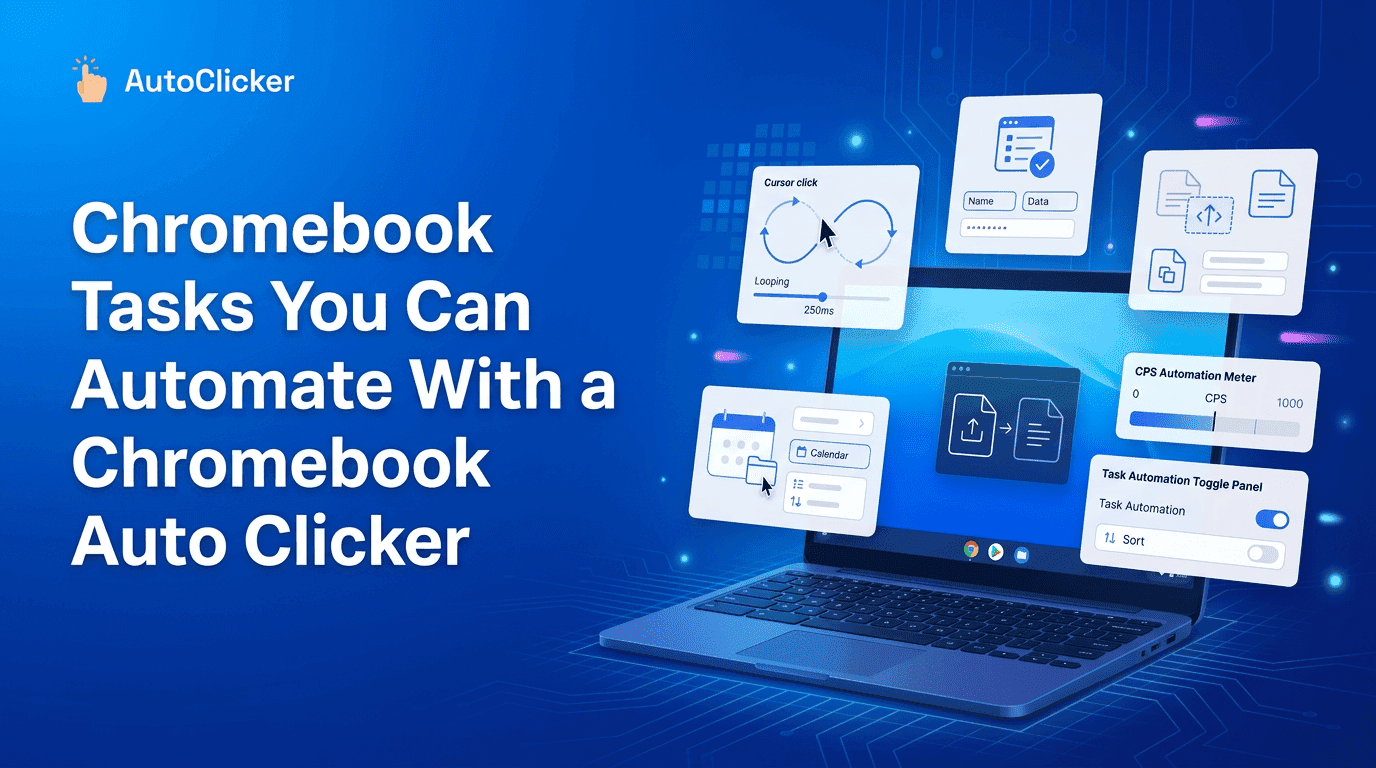
Chromebooks are designed for speed, simplicity, and cloud-based efficiency, yet most users still spend a surprising amount of time performing repetitive browser actions. Whether it is clicking through forms, navigating learning platforms, or interacting with web applications, these micro-actions slowly reduce productivity.
A modern chrome book auto clicker helps eliminate this repetitive strain by automating mouse clicks inside browser environments. Tools like Simple Auto Clicker are designed specifically for ChromeOS users who want smoother workflows without installing heavy software.
Instead of manually repeating the same actions, users can focus on meaningful tasks while automation handles repetitive interactions in the background.
Many users underestimate how much time is wasted on repetitive clicking. Opening menus, submitting forms, switching tabs, and interacting with dashboards all require constant manual input.
A chrome book auto clicker reduces this friction by automating repetitive browser actions in a controlled and predictable way.
Students, professionals, and testers often experience this issue daily. Over time, these repeated interactions create fatigue and slow down productivity, especially in browser-heavy workflows.
A chrome book auto clicker can significantly improve productivity by handling repetitive actions across different browser-based activities. Below are the seven most practical tasks users can automate:
1. Navigating Learning Portals Efficiently- Automate repeated clicks while moving through lessons, modules, and online study dashboards.
2. Completing Online Quiz Interactions- Reduce repetitive clicking in MCQ-based quizzes, submissions, and answer selections.
3. Managing Idle and Browser-Based Game Actions- Automate repetitive in-game clicks used for rewards, upgrades, or progression loops.
4. Filling and Submitting Online Forms Faster- Speed up repeated form interactions such as registrations, surveys, and feedback submissions.
5. Performing Web Application Testing Tasks- Automate click-based testing for buttons, menus, and navigation flows in web apps.
6. Validating UI and Website Functionality- Repeatedly test interface elements to ensure consistent performance across sessions.
7. Supporting Remote Work Browser Workflows - Automate repetitive dashboard clicks, reporting actions, and multitool navigation tasks.
These tasks demonstrate how a chrome book auto clicker improves efficiency in both academic and professional environments without changing the core workflow.
Online education has become a core part of modern learning systems. Students frequently interact with quizzes, assignments, and interactive modules that require repeated clicking.
A chrome book auto clicker can help streamline these actions in learning environments by reducing unnecessary repetition.
Learning Portals
Students often navigate multiple pages, modules, and lessons. Automation helps reduce repeated navigation effort.
Quiz Platforms
Many quizzes involve selecting options, submitting answers, and moving between questions repeatedly.
Tools like Simple Auto Clicker support smoother interaction flow without changing learning intent.
Browser-based games often rely on repetitive clicking mechanics. While gameplay should always follow platform rules, many idle or incremental games involve continuous interaction.
A chrome book auto clicker can assist users in managing repetitive in-game actions more efficiently.
Idle Games
These games often require repeated clicks to progress or collect rewards.
Repetitive Game Actions
Certain browser games include simple repetitive mechanics that benefit from automation support. This improves comfort while reducing strain during long sessions.
Forms are everywhere registrations, surveys, feedback systems, and data entry tools all require repetitive interaction.
A chrome book auto clicker helps reduce manual effort during structured workflows.
Testing Forms
Developers and testers often repeat the same submission process multiple times.
Data Validation
Ensuring input fields behave correctly requires repetitive clicking and checking.Automation helps maintain consistency while saving time.
Quality assurance teams frequently test website functionality across different sections. Clicking buttons, validating navigation, and checking responsiveness are essential tasks.
A chrome book auto clicker becomes useful in reducing repetitive QA effort while maintaining accuracy.
Click Testing - Ensures buttons respond correctly under repeated interaction.
Interface Validation - Confirms UI elements behave consistently across sessions.With Simple Auto Clicker, testers can reduce repetitive strain while maintaining workflow accuracy.
Automation is not only about productivity it also improves accessibility.Users who experience discomfort from repeated mouse usage can benefit from controlled automation.
A chrome book auto clicker helps reduce physical strain during long browsing sessions, making digital environments more comfortable and inclusive.
Reduced Repetitive Movement - Less manual clicking helps reduce wrist fatigue. Better Comfort for Long Sessions - Extended Chromebook usage becomes easier with automation support.This makes browser interactions more sustainable over time.
Remote workers rely heavily on browser-based tools like dashboards, CRMs, reporting systems, and communication platforms.
A chrome book auto clicker improves efficiency by reducing repetitive navigation and interaction tasks.
Browser Workflows - Switching between tools and dashboards becomes smoother.
Repeated Interactions - Routine actions like refreshing data or clicking through reports can be automated.This allows professionals to focus more on decision-making rather than repetitive input.
While automation is powerful, improper usage can reduce efficiency instead of improving it.Users should avoid common mistakes when using a chrome book auto clicker.
Excessive Click Speed (CPS) - Setting extremely high click speeds may cause errors or browser lag.
Poor Configuration - Incorrect timing or mode selection can disrupt workflow instead of helping it.
Ignoring Browser Permissions - Extensions like Simple Auto Clicker require proper permissions to function safely and effectively.
To maximize benefits, users should follow structured automation practices.
Start with moderate click settings and gradually adjust based on task requirements. Always test automation in low-risk environments before applying it to important workflows.
A chrome book auto clicker works best when used intentionally rather than excessively.
Tools like Simple Auto Clicker are designed with user control in mind, ensuring automation remains predictable and safe.
Proper usage ensures better productivity without compromising browser stability or user control.
Repetitive clicking is one of the most overlooked productivity barriers in modern browser-based workflows. Whether it is education, gaming, testing, or remote work, small repetitive actions accumulate into significant time loss.
A chrome book auto clicker provides a practical solution by automating these repetitive interactions while maintaining user control and simplicity.
From learning platforms to professional environments, automation helps users focus on meaningful tasks instead of repetitive input. With tools like Simple Auto Clicker, Chromebook users can achieve smoother workflows, better comfort, and improved productivity.
As browser-based computing continues to expand, automation is no longer optional it is becoming an essential part of efficient digital work.
Free, element-aware, three permissions, no tracking. About 30 seconds from install to your first run.
Everything you need to know about Auto Tap Apps in 2026
Everything you need to know about Auto Clicker Apps today.
The ultimate Auto Clicker App guide for automated workflows.