
Auto Tap App for Faster and Smarter Screen Interaction Control
Everything you need to know about Auto Tap Apps in 2026
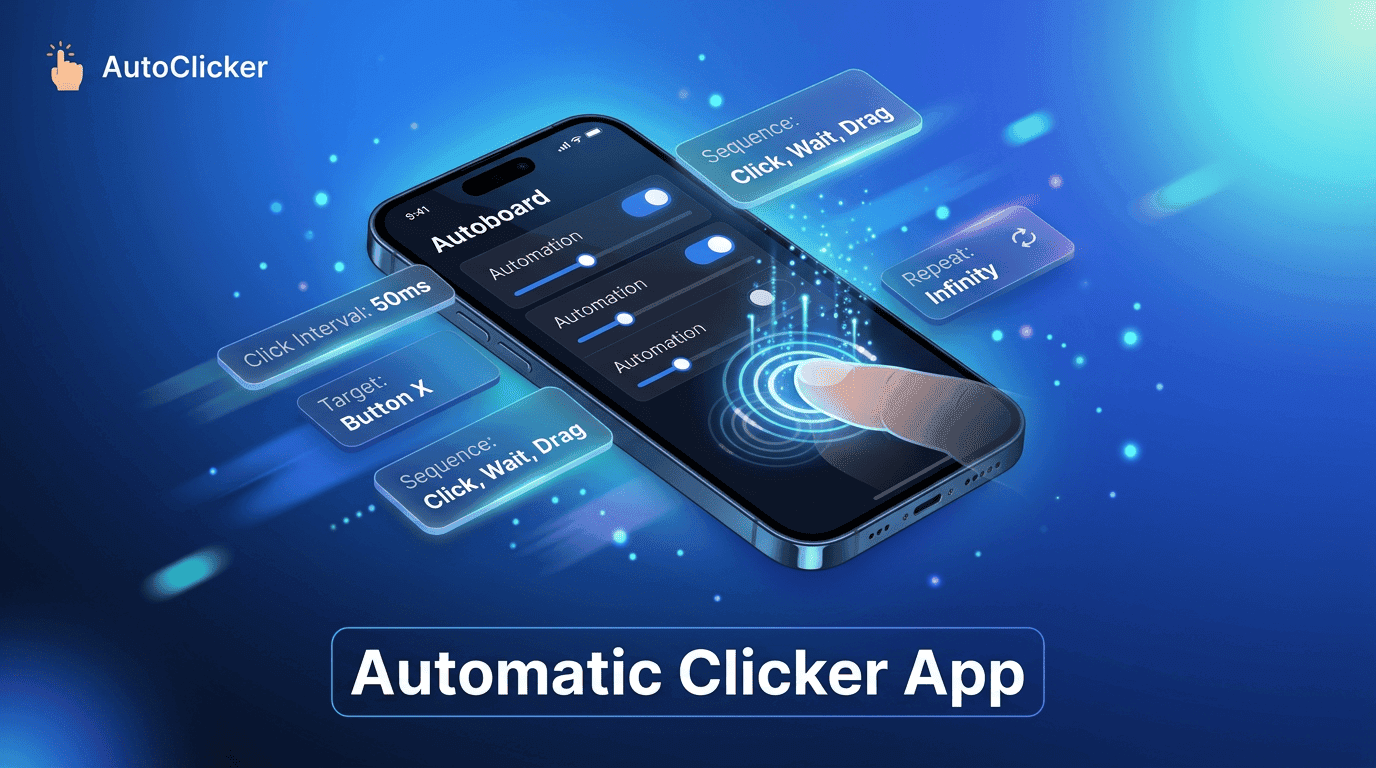
Repetitive screen actions have become a common part of mobile usage. Whether it’s gaming, testing applications, filling forms, or handling routine mobile workflows, users often find themselves tapping the same area again and again. This is where an automatic clicker app becomes a practical solution for reducing effort and improving efficiency.
Modern users expect speed, precision, and consistency. Manual tapping not only slows down tasks but also reduces focus over time. Tools like Simple Auto Clicker are designed to solve this exact problem by automating repetitive screen interactions in a controlled and customizable way.
This also improves overall usability across different use cases. With tools like Simple Auto Clicker, users can fine-tune click intervals, set multiple touch points, and control automation flow based on their needs. This level of control makes repetitive tasks easier to manage while reducing physical strain and improving overall efficiency.
An automatic clicker app is a mobile automation tool that simulates screen taps without requiring manual input. It works by recording or setting predefined tap points, intervals, and durations, then repeating those actions automatically.
At its core, the app uses accessibility permissions to interact with the device screen. Once configured, it can perform single taps, multi-taps, swipes, or repeated sequences depending on the user’s setup.
For example, in Simple Auto Clicker, users can select a point on the screen, set a time interval like 100 milliseconds or 1 second, and let the system handle continuous tapping. This removes the need for constant manual interaction and allows users to focus on higher-value tasks.
In gaming scenarios, this becomes especially useful where repetitive tapping is required. In productivity environments, it helps reduce strain during repetitive workflows. This combination of flexibility and automation is what defines a modern automatic clicker app.
| Feature | Description | User Benefit |
|---|---|---|
| Customizable Click Intervals | Allows users to set the speed of automatic taps based on need | Works smoothly across different apps and performance levels |
| Multi-Point Clicking | Enables setting multiple tap locations on the screen | Useful for complex workflows and gaming actions |
| Floating Control Panel | Provides on-screen controls to start/stop automation anytime | Easy access without switching screens |
| Swipe Automation | Supports automated swipe gestures in addition to taps | Expands functionality beyond simple clicking |
| Loop Counters | Lets users define how many times the action should repeat | Prevents over-execution and improves control |
| Gesture Recording | Records and replays touch patterns automatically | Useful for repeating complex sequences accurately |
Time Savings → Repetitive tapping tasks are completed automatically, reducing manual effort and user fatigue.
Improved Accuracy→ Ensures precise tapping with exact coordinates and intervals, eliminating human errors like missed or inconsistent taps.
Better Productivity→ Tools like Simple Auto Clicker help users focus on important tasks by removing repetitive screen interactions and reducing mental load.
Reduced Physical Strain→ Especially useful for gamers during long sessions, minimizing continuous finger tapping and discomfort.
Gaming Advantage→ Supports repetitive in-game actions, helping maintain consistency and efficiency in gameplay scenarios.
Higher Efficiency Overall→ Combines speed, accuracy, and consistency to improve overall digital workflow performance.
An automatic clicker app is not limited to a single use case. It has applications across different categories.
In mobile gaming, it is often used for tasks like farming resources, repeating missions, or performing consistent in-game actions. This helps reduce repetitive strain while maintaining gameplay efficiency.
In app testing, developers and QA testers use tools like Simple Auto Clicker to simulate user interactions repeatedly. This helps in identifying bugs, performance issues, and UI inconsistencies.
In productivity workflows, an automatic clicker app can assist in automating repetitive actions like refreshing dashboards, navigating forms, or interacting with repetitive interfaces.
Even in accessibility use cases, users with physical limitations benefit from automation tools that reduce the need for continuous manual tapping.
Productivity improvement is one of the strongest advantages of an automatic clicker app. By automating repetitive tasks, users can redirect their attention to more important activities.
Instead of spending time on continuous tapping, users can configure Simple Auto Clicker once and let it run in the background. This is especially useful in multitasking environments where efficiency matters.
Another productivity benefit is consistency. Unlike humans, an automatic clicker app does not lose speed or accuracy over time. This ensures stable performance even during long sessions.
For professionals who rely on mobile tools for work, automation helps streamline processes and reduces unnecessary effort, resulting in smoother workflows and better time management.
While an automatic clicker app is powerful, it is important to understand its limitations. Not all applications support automation, and some platforms may restrict repetitive interactions due to policy or security reasons.
Overuse can also lead to unintended consequences, especially in gaming environments where fair usage rules apply. Users should always ensure they are complying with app guidelines before using automation tools.
Tools like Simple Auto Clicker are designed with safety in mind, but responsible usage is still required. It is recommended to use automation only where it is permitted and beneficial.
Another limitation is device performance. Running continuous automation may consume battery and system resources, so it should be optimized based on need.
The rise of mobile automation has made tools like the automatic clicker app an essential part of digital efficiency. From gaming and testing to productivity and accessibility, its use cases are broad and practical.
With solutions such as Simple Auto Clicker, users gain control over repetitive tasks without losing precision or time. The ability to automate tapping actions brings a new level of convenience to everyday mobile interactions.
However, the true value of an automatic clicker app lies in responsible and meaningful usage. When used correctly, it becomes a powerful tool that enhances productivity, reduces effort, and simplifies digital workflows in 2026 and beyond.
Free, element-aware, three permissions, no tracking. About 30 seconds from install to your first run.
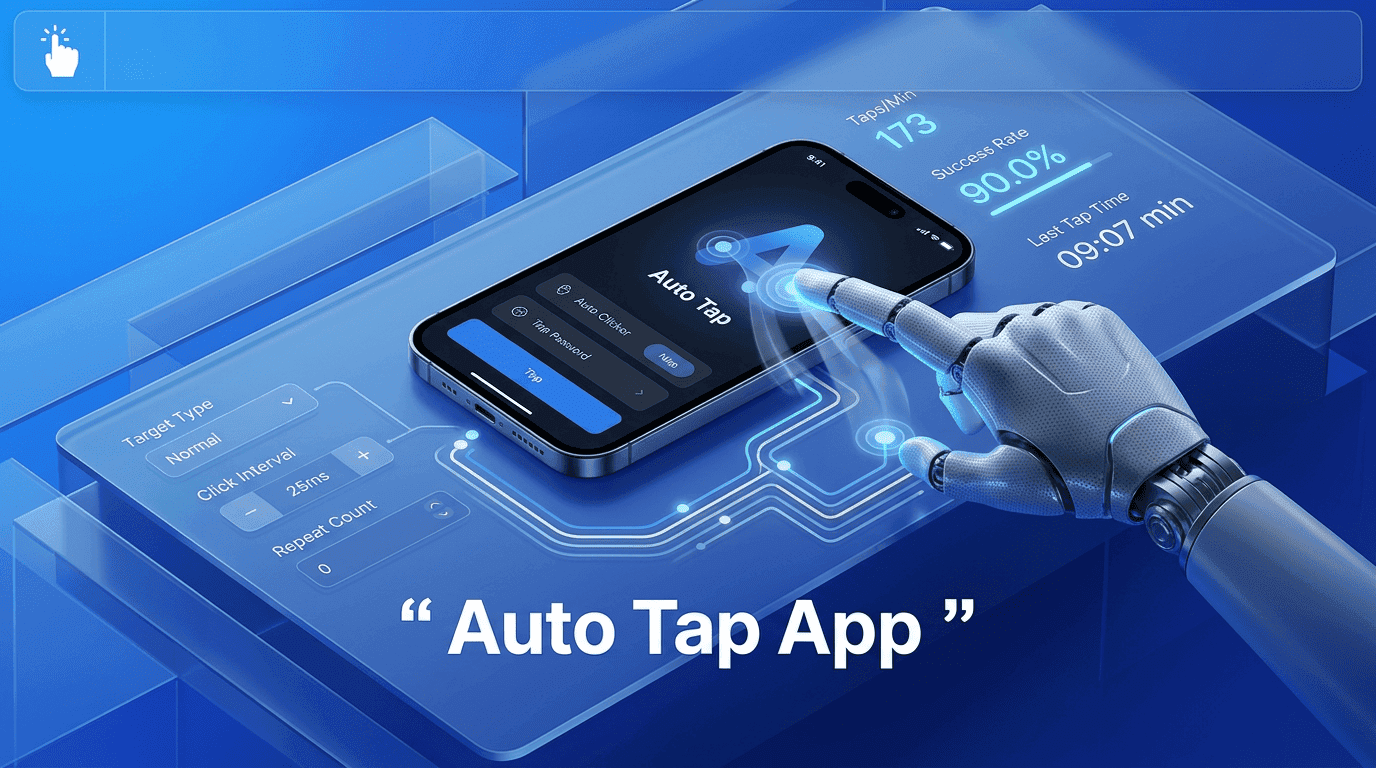
Everything you need to know about Auto Tap Apps in 2026
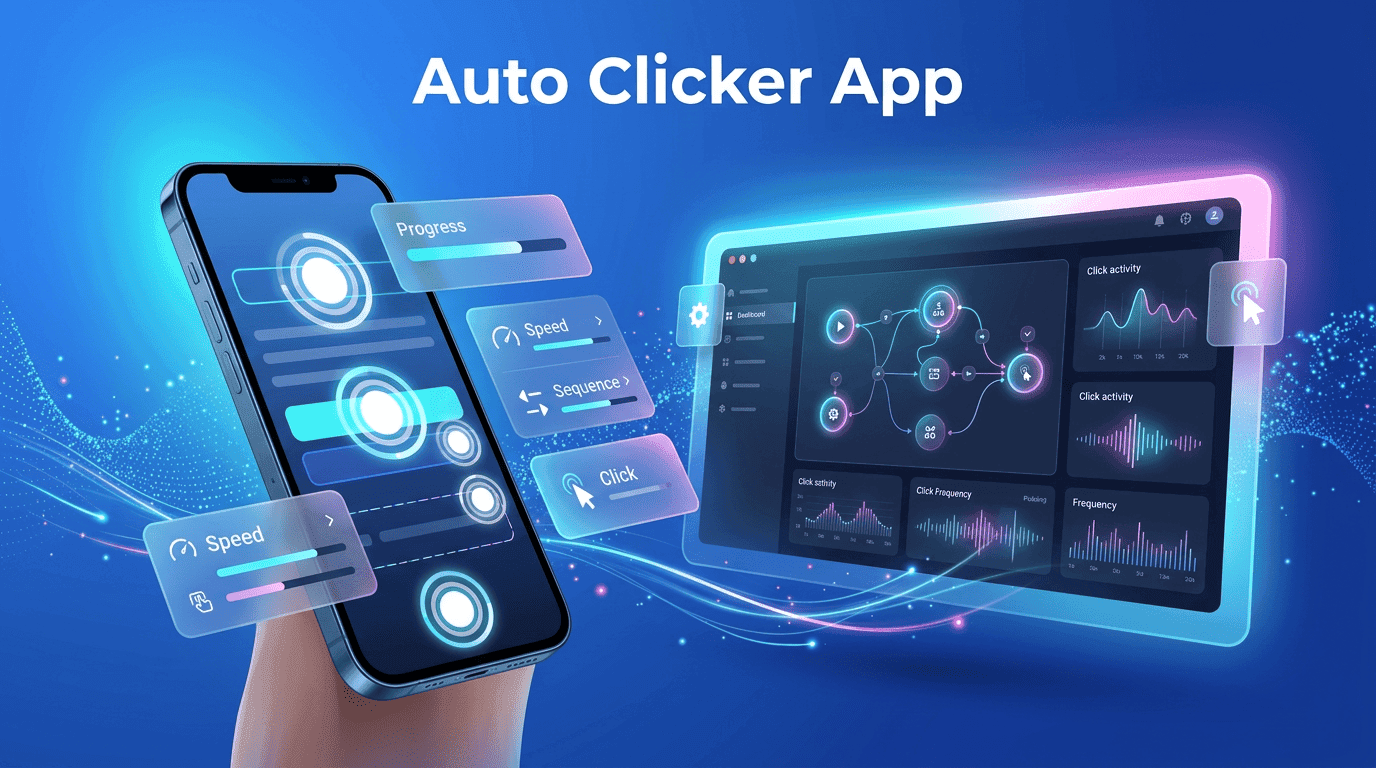
The ultimate Auto Clicker App guide for automated workflows.
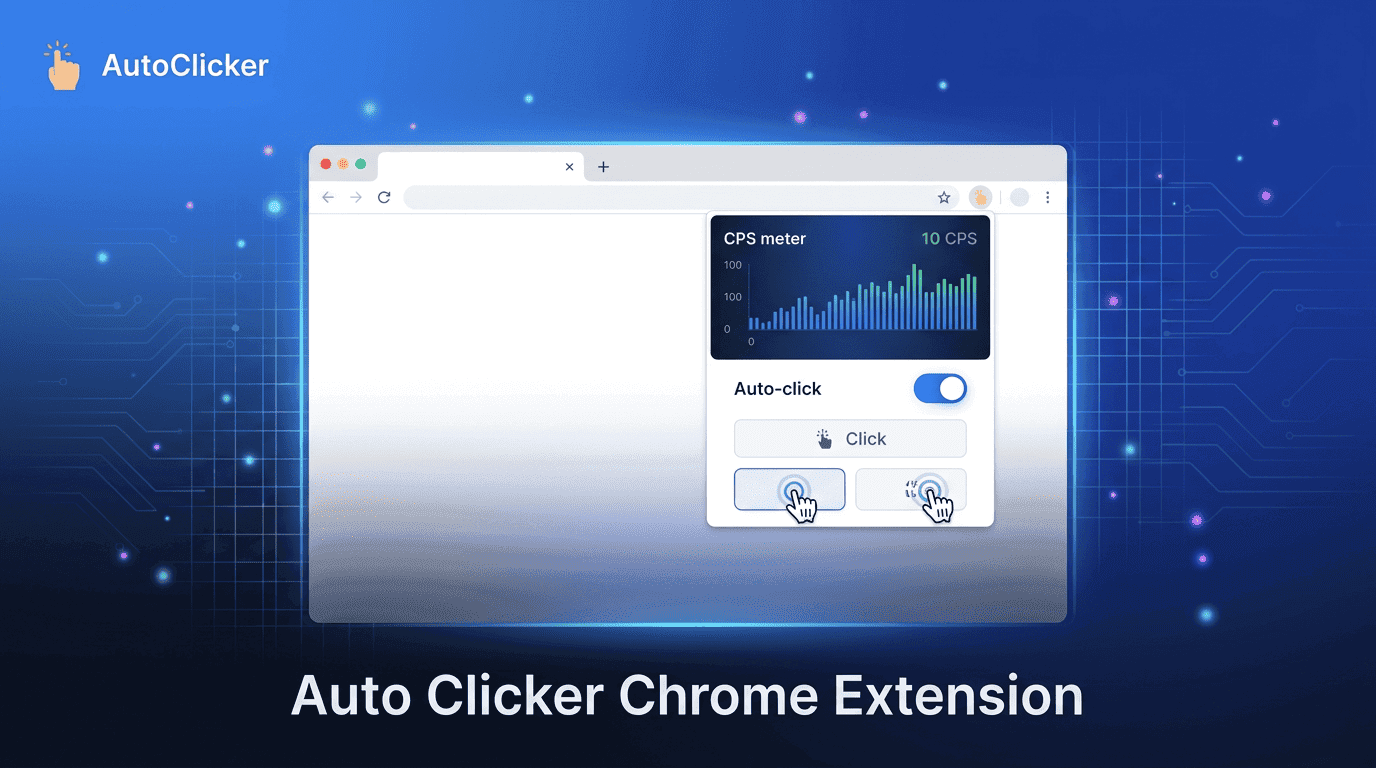
Reduce manual effort with Auto Clicker Chrome Extension automation power.