Best Auto Clicker App to Automate Repetitive Clicks

Auto clicker app

If you look closely at how we use digital tools today, you’ll notice a pattern—repetition everywhere. From mobile gaming taps to software clicks, testing screens, and routine online actions, the same movements keep happening in loops. Eventually, this repetition builds up and starts affecting both speed and focus.

This is where automation tools like the auto clicker app become highly relevant. A solution such as the SimpleAuto Clicker auto clicker app is designed specifically to remove repetitive effort by automating clicks or taps with precision and consistency. Instead of manually interacting with the screen again and again, users can configure the system once and let it handle execution automatically.

As digital workloads continue to grow, tools like automatic clicker app systems are becoming more widely adopted across desktop environments. At the same time, mobile users are increasingly relying on auto tap app tools to handle touch-based repetitive tasks. This shift clearly shows how automation is no longer optional but becoming a practical necessity in everyday digital usage.

How a Simple Click Becomes a Fully Automated Process

An auto clicker app works by simulating human input in a controlled and programmable way. Instead of a user physically clicking or tapping, the system generates virtual input signals that the operating system interprets as real actions.

In the case of the SimpleAuto Clicker auto clicker app, the process begins when a user defines the click position, speed, and repetition behavior. Once activated, the system enters an execution mode where it continuously performs clicks based on the defined settings. This process continues until it is manually stopped or reaches a predefined condition.

What makes this approach powerful is its consistency. Unlike human actions, which can vary in speed and accuracy due to fatigue or distraction, an auto clicker app maintains perfect timing and positioning throughout the entire session. This makes it especially useful for long-duration tasks where manual effort becomes impractical.

The Engine That Keeps Automation Running Smoothly

Behind every effective automation tool lies a structured execution system. An auto clicker app depends on multiple internal components working together to ensure accuracy and stability.

At the core, there is an input simulation layer that generates click events. Alongside this, a timing engine controls how frequently each click occurs. A position tracking system ensures that the clicks are executed at the correct location, while a loop controller manages repetition cycles.

The SimpleAuto Clicker auto clicker app enhances this structure by optimizing performance during extended usage. Even when running for long periods, it maintains stable execution without disrupting system performance. This reliability is one of the reasons users prefer dedicated automation tools over manual methods or unstable scripts.

Why Mobile Interaction Led to Tap-Based Automation

As smartphones became the primary computing device for many users, interaction shifted from mouse clicks to touch gestures. This transition created the need for tools that could replicate finger-based actions on screen. That is where the concept of an auto tap app emerged.

An auto tap app is designed to simulate touch inputs such as tapping, holding, or repeating gestures on mobile screens. It is widely used in gaming scenarios where repeated tapping is required, as well as in testing environments where consistent interaction must be simulated.

Although the purpose overlaps with traditional clicking tools, the execution is optimized for mobile interfaces. The SimpleAuto Clicker auto clicker app connects both worlds by offering automation that works across different interaction models, making it adaptable for both desktop and mobile workflows.

Features That Define a Reliable Automation Tool

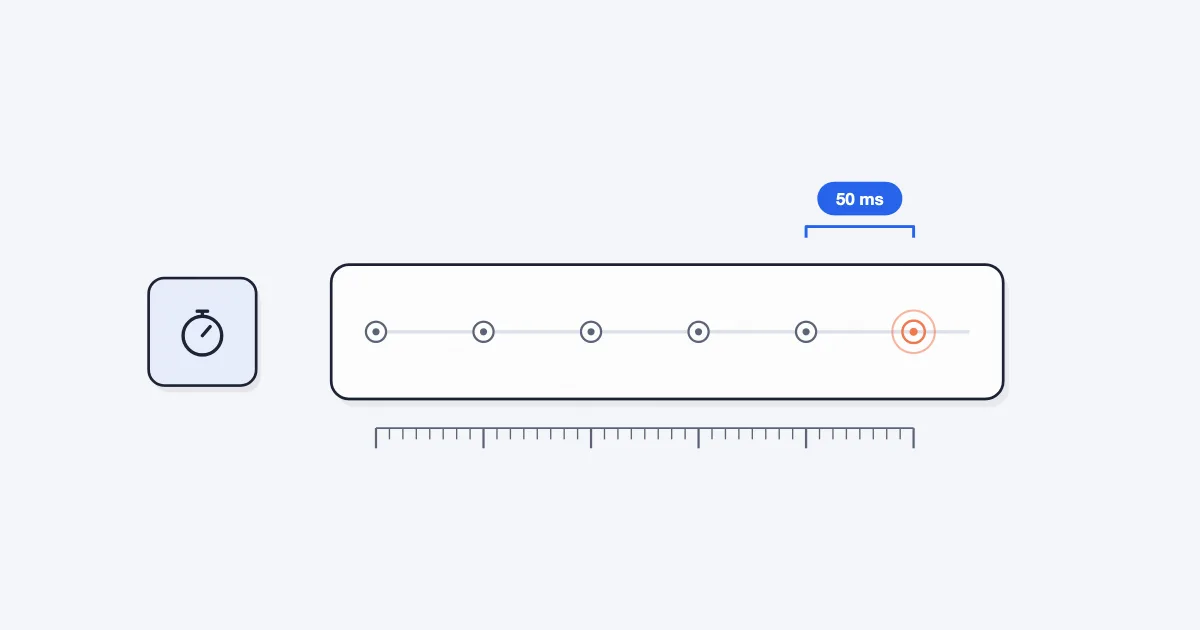
One of the most important aspects of any auto clicker app is precision control. Users must be able to define how fast or slow clicks occur depending on the task. The SimpleAuto Clicker auto clicker app allows fine-grained adjustment of timing, which makes it suitable for both high-speed gaming and slow repetitive workflows like form automation.

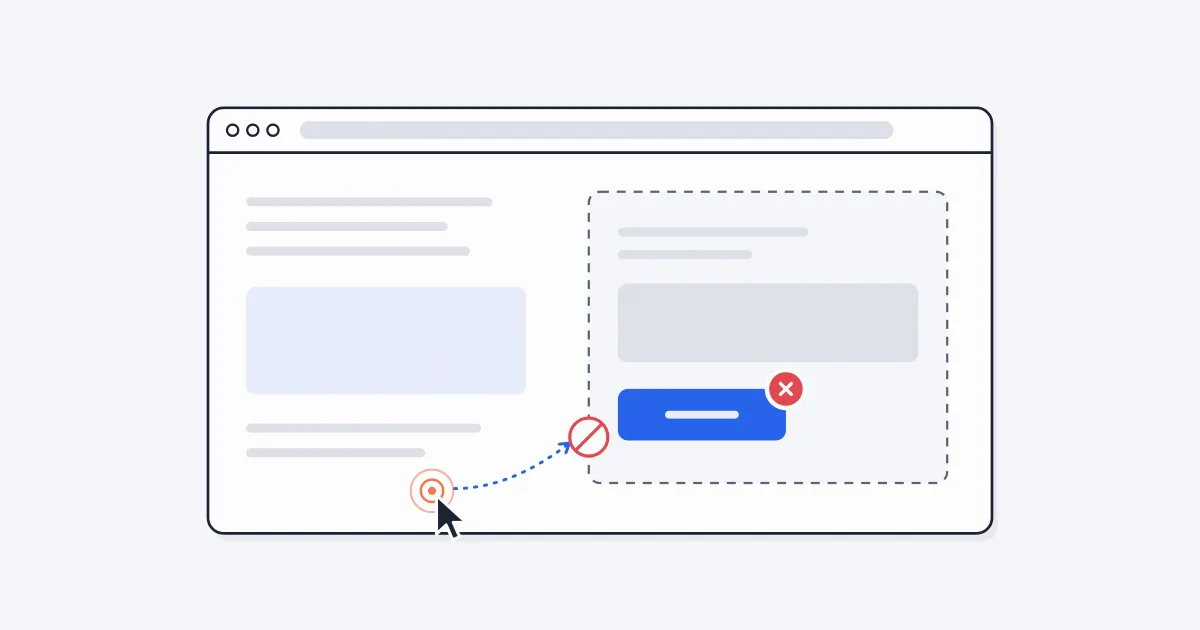
Another essential feature is multi-point execution. Instead of limiting users to a single click position, modern tools allow multiple points to be defined. This means different areas of the screen can be automated in a sequence or pattern, which is particularly useful in complex applications or multi-step interfaces.

Continuous looping is another key capability. Once activated, the system continues executing actions until stopped. This allows users to handle long-duration tasks without interruption. Combined with floating controls and quick toggles, the entire system becomes highly user-friendly and efficient in real-time usage.

Real-World Scenarios Where Automation Improves Workflow Quality

In practical usage, a auto clicker app is not just about speeding up clicks it plays a role in improving workflow consistency across different digital environments. Tools like SimpleAuto Clicker auto clicker app are often used in scenarios where precision and repeatability matter more than manual control.

This becomes especially important in environments where human error can disrupt repetitive processes. By introducing controlled automation, users can maintain uniform performance across long sessions.

  • In testing environments, it ensures identical input behavior across multiple test cycles
  • In gaming environments, it maintains consistent progression without manual fatigue
  • In productivity workflows, it reduces delays caused by repetitive manual interaction
  • In UI-heavy applications, it ensures repeatable interaction sequences for validation
  • In long-duration tasks, it prevents performance drop due to human inconsistency

This kind of structured usage demonstrates how an auto clicker app moves beyond convenience and becomes a reliability tool in structured digital workflows.

Real Situations Where Auto Clicker Apps Actually Help

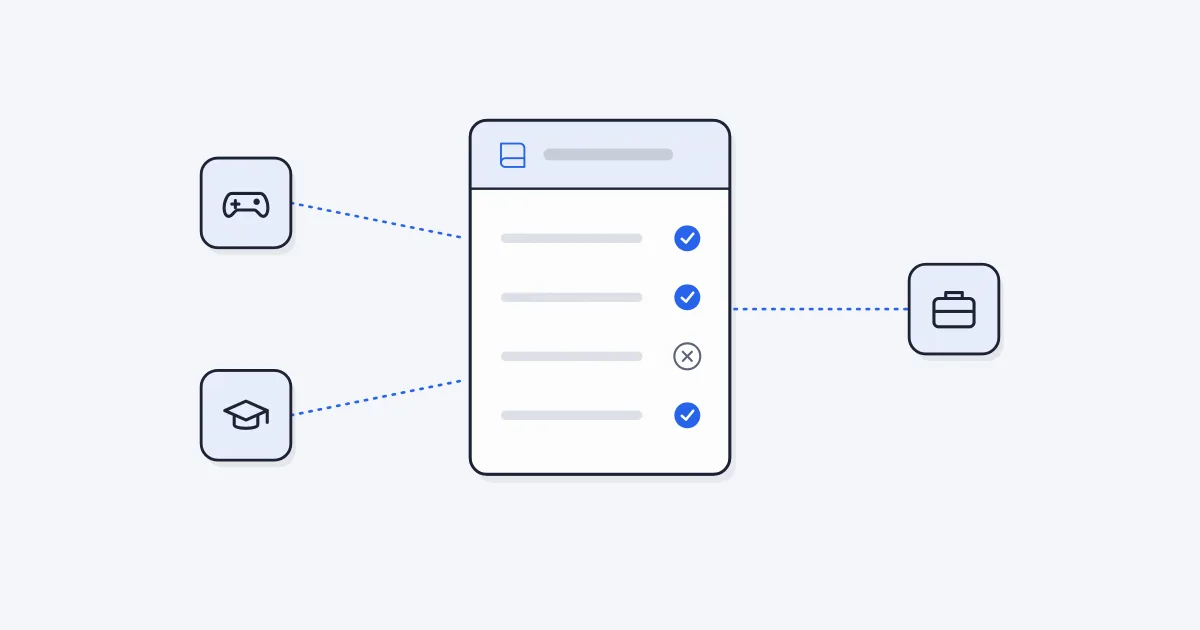
Gaming remains one of the most common use cases for an auto clicker app. Many games require repetitive actions such as resource farming, grinding, or continuous tapping. Instead of manually repeating these actions, users rely on automation to maintain progress without constant attention. The SimpleAuto Clicker auto clicker app is especially useful in these environments because it ensures consistent performance over long sessions.

Beyond gaming, automation plays a major role in productivity workflows. Many users deal with repetitive digital tasks such as filling forms, interacting with repetitive UI elements, or handling structured data entry. In such cases, an auto clicker app helps reduce manual workload and improves efficiency.

Developers and testers also benefit significantly from automation tools. In software testing environments, repetitive interaction is often required to evaluate system performance under load. Automation ensures that these interactions remain consistent, making testing more reliable and scalable.

Comparing Manual Interaction with Automated Clicking

Manual clicking depends entirely on human effort, which naturally leads to inconsistency over time. Fatigue reduces accuracy, and speed varies depending on the user’s condition. In contrast, automation removes these limitations entirely.

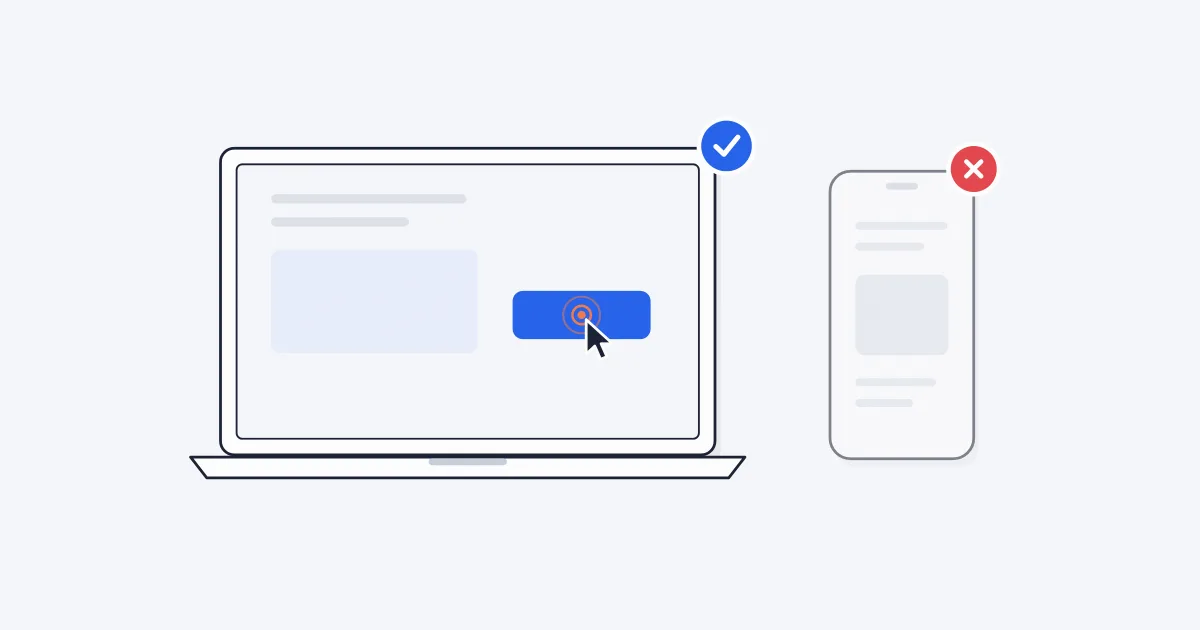
A desktop-based auto clicker app focuses on mouse input simulation, while an auto tap app focuses on mobile touch interaction. Both serve similar purposes but operate in different environments. The SimpleAuto Clicker auto clicker app combines these capabilities into a unified system, allowing users to adapt their workflow without switching tools.

Feature Comparison of Automation Methods

Interaction Type Manual Clicking Auto Tap App Auto Clicker App (SimpleAuto Clicker)
Speed Consistency Low Medium High
Long Task Handling Poor Moderate Excellent
Customization None Limited Advanced
Accuracy Variable Good Very High
Device Support Universal Mobile only Multi-platform

This comparison clearly shows why users prefer a dedicated auto clicker app for serious automation tasks.

Why More Users Are Switching Toward Automation

The increasing adoption of automation tools is driven by a simple need: saving time and effort. Instead of spending hours performing repetitive tasks, users can configure automation once and let the system handle execution.

The SimpleAuto Clicker auto clicker app fits into this shift by offering a balance between simplicity and advanced control. It removes unnecessary complexity while still providing powerful customization options.

Safety, Permissions, and Responsible Use

Most automation tools require accessibility permissions because they need to interact with the screen. While this is necessary for functionality, users should always ensure they are installing trusted versions of the software.

Responsible usage is equally important. Some platforms may restrict automated interactions, especially in competitive environments. Therefore, an auto clicker app should always be used in compliance with platform guidelines to avoid misuse.

Technical Reliability, Limitations, and Ethical Considerations

While an auto clicker app provides strong automation capabilities, understanding its technical boundaries and responsible usage is essential for long-term reliability. Solutions like SimpleAuto Clicker auto clicker app are designed to operate within system constraints, but performance can vary depending on device load, application restrictions, and system permissions.

From a technical perspective, automation tools depend heavily on system-level input simulation. This means their effectiveness is influenced by operating system security layers and application response behavior.

  1. Performance may vary depending on device processing capacity and background load
  2. Some applications may detect or limit automated input behavior
  3. Accessibility permissions must be properly enabled for stable operation
  4. Long-duration automation may require monitoring to ensure consistent execution
  5. Certain platforms may restrict automated interaction based on policy rules

From an ethical standpoint, users are encouraged to apply automation responsibly. While auto clicker app tools improve efficiency, they should be used in environments where automation is permitted and does not violate usage guidelines.

This balance between capability and responsibility is what defines a mature approach to using an auto clicker app, ensuring that tools like SimpleAuto Clicker auto clicker app are used effectively and safely across different digital contexts.

Final Thoughts on Automation in Everyday Use

The role of automation in digital life continues to expand. An auto clicker app is no longer just a convenience tool but a practical solution for improving efficiency across gaming, productivity, and testing environments.

With tools like the SimpleAuto Clicker auto clicker app, users gain control over repetitive tasks in a simple and effective way. As digital workloads continue to grow, automation will remain an essential part of how users interact with technology, making tools like auto clicker app and auto tap app increasingly important in everyday workflows.

Frequently Asked Questions
1. What is an auto clicker app used for?

An auto clicker app is used to automate repetitive clicking or tapping tasks on a screen. It helps users save time in activities like gaming, app testing, form filling, and other repetitive digital actions by simulating continuous clicks automatically.

2. Is an automatic clicker app safe to use?

Yes, an automatic clicker app is generally safe when downloaded from a trusted source and used responsibly. Safety depends on proper permissions, secure installation, and avoiding misuse in restricted platforms or competitive environments.

3. What is the difference between an auto clicker app and an auto tap app?

An auto clicker app is mainly used for mouse-based automation on desktop or laptops, while an auto tap app is designed for touch-based automation on mobile devices. Both serve similar purposes but are optimized for different platforms.

4. Can auto clicker apps improve productivity?

Yes, an auto clicker app like SimpleAuto Clicker can significantly improve productivity by automating repetitive tasks such as clicking buttons, filling forms, or performing routine actions, allowing users to focus on more important work.

Try the setup from this post

Free, element-aware, three permissions, no tracking. About 30 seconds from install to your first run.

▶  Add to Chrome — Free
← Back to all posts