
Auto Clicker Not Working? 8 Causes and Fixes
Eight real reasons a browser auto clicker stops working, how to spot each one, and which ones you can fix.
Guides
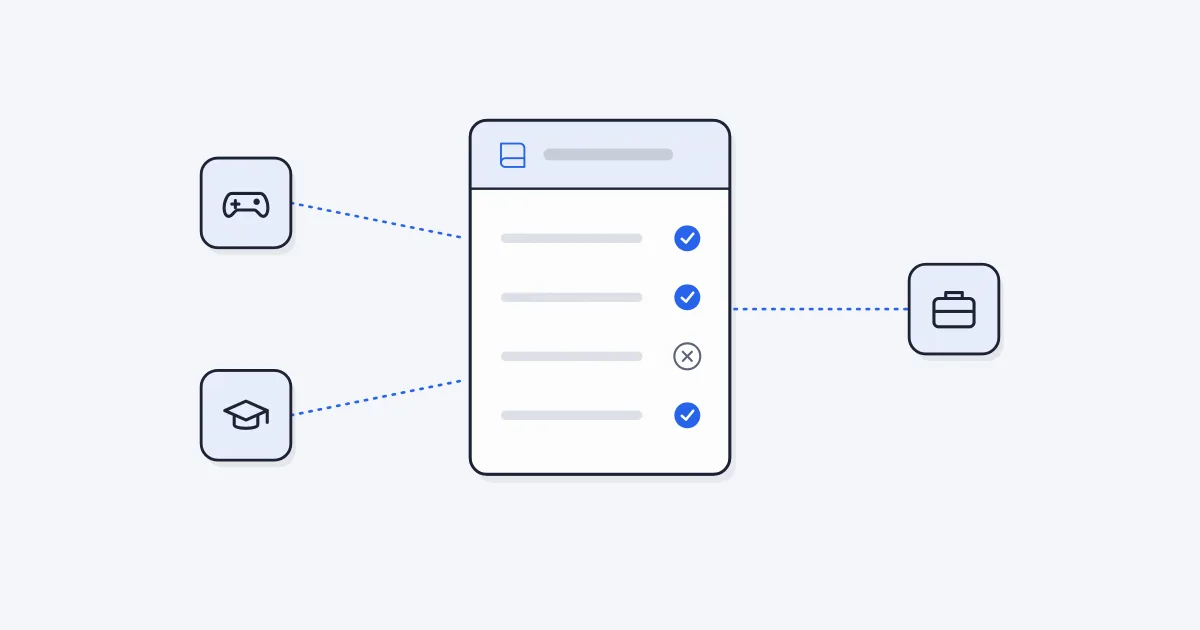
Using an auto clicker is allowed in many places and banned in others. It depends on the rules of whatever you are clicking: a game's terms of service, a website's terms, your school's device policy or your employer's rules. Single-player browser games are usually fine, while online multiplayer games often ban automation.
This guide explains how to tell the difference. It is general information, not legal advice.
| Situation | Usually | What to check |
|---|---|---|
| Single-player or idle game in your browser | Fine | The game's own rules, if any |
| Online multiplayer or ranked game | Often banned | The game's terms of service and fair play rules |
| Game with prizes, rankings or trading | Often banned | Terms, contest rules |
| School Chromebook or school account | Depends on the school | Your school's device and acceptable-use policy |
| Work computer or work web tools | Depends on the employer | Your company's IT and acceptable-use policy |
| Public website (shops, tickets, forms) | Often limited | The site's terms, especially rules on bots and automated access |
| Your own site or app that you are testing | Fine | Nothing, it is yours |
Most online games with other players have rules against automation. The wording varies: "bots", "macros", "third-party software" or "unfair advantage". An auto clicker usually falls under at least one of them.
The reason is fairness. If one player's clicks come from a script, that player can earn more, rank higher or farm resources faster than people playing by hand. Games that ban automation may warn, suspend or permanently ban accounts that break the rule.
Before you use an auto clicker in an online game, search its terms of service or support pages for "auto clicker", "macro" or "automation". If the rules say no, the safe choice is not to use one.
Idle and clicker games are built around clicking a lot, and many players automate the tapping part. When a game runs only in your browser and you are not competing with anyone, using an auto clicker usually affects only your own save file.
Some games still limit how many scripted clicks count. Cookie Clicker, for example, counts scripted clicks at up to about 3 per second, so a 350 ms interval works and faster settings add nothing. Our Cookie Clicker setup guide shows a tested configuration.
If a single-player game has leaderboards or achievements tied to an online account, check its rules too.
A school Chromebook or school Google account follows the school's rules, not yours. Admins can block extensions, block the Chrome Web Store, or allow only approved tools. Many schools also have a policy about games during class.
Our Chromebook auto clicker guide covers the built-in option and what school admins control.
Employers often have an acceptable-use policy that covers installing software, browser extensions and automation of company tools. Some web apps used at work also have their own terms about automated access.
An auto clicker can be a reasonable time saver, for example clicking "Refresh" on an internal dashboard. It can also be a problem if it floods a system with requests or looks like you are active when you are not. If you are unsure, ask your manager or IT team first. Getting a quick yes is better than explaining later.
Many websites ban bots and automated access in their terms of service. This matters most on sites where speed gives an advantage, such as ticket sales, limited product drops, auctions, polls and giveaways. Clicking faster than other people with a script is exactly what those rules target.
Sites also protect themselves with rate limits and captchas. If a site puts a captcha in front of an action, it has told you it wants a human there.
Browser auto clickers send what are called synthetic clicks. The browser marks every event with a flag that says whether it came from real user input. Clicks created by a script, including those from an extension, are marked as not trusted. A site that checks this flag can ignore those clicks or flag the account.
Sites and games can also look at patterns:
This is why some sites ignore auto clickers completely, as our troubleshooting guide explains. Speed does not help either. Our guide on how fast an auto clicker can click covers why faster is often not better.
Simple Auto Clicker, the extension we make, is a general tool that clicks web pages. Our Terms of Service ask you to use it lawfully, not to use it where automation is banned, and not to use it for an unfair advantage in online games. You are responsible for making sure your use follows the rules of the sites and games you use it on.
We also do not help anyone evade detection, bans or school controls. The extension does not try to hide that its clicks are automated.
If everything checks out, you can add the extension from the Simple Auto Clicker homepage.
For most everyday uses, the question is about the rules of the site or game, not the law. Breaking a game's terms can get you banned. This article is not legal advice, so if you have a legal question, ask a qualified person where you live.
Yes, in games and on sites that ban automation. Online multiplayer games are the most common case. Single-player browser games rarely care.
Often, yes. Browsers mark scripted clicks as not trusted, and sites can also spot very regular timing. Some sites simply ignore those clicks.
Only if your school allows it. Follow your school's device rules, and ask a teacher or IT staff if you need it for accessibility.
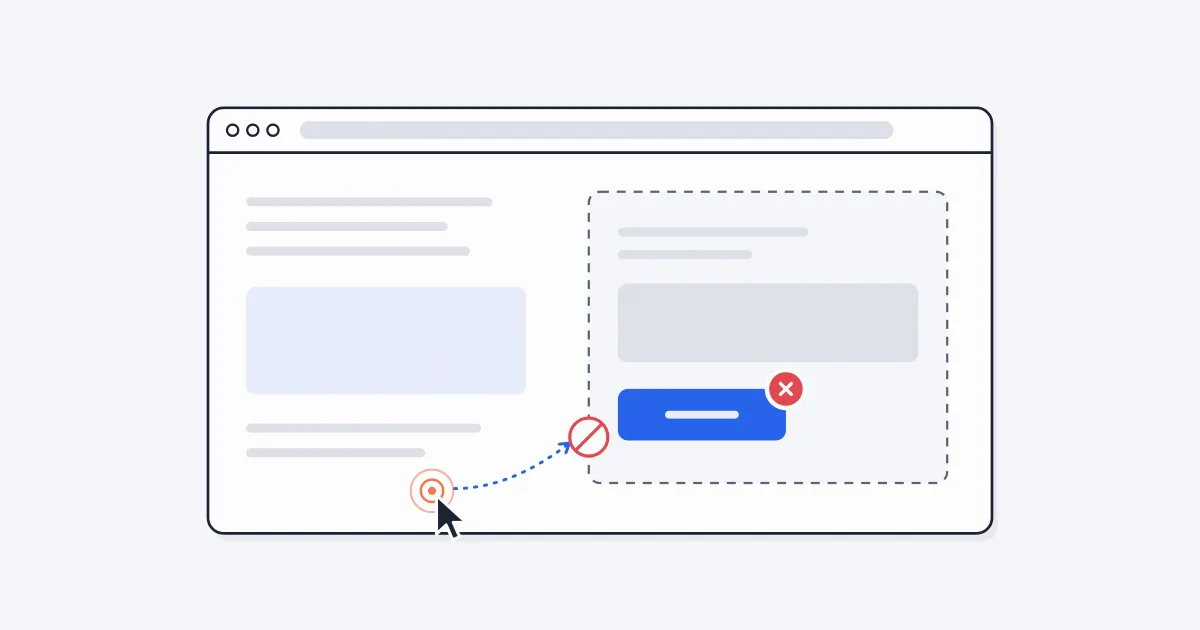
Eight real reasons a browser auto clicker stops working, how to spot each one, and which ones you can fix.
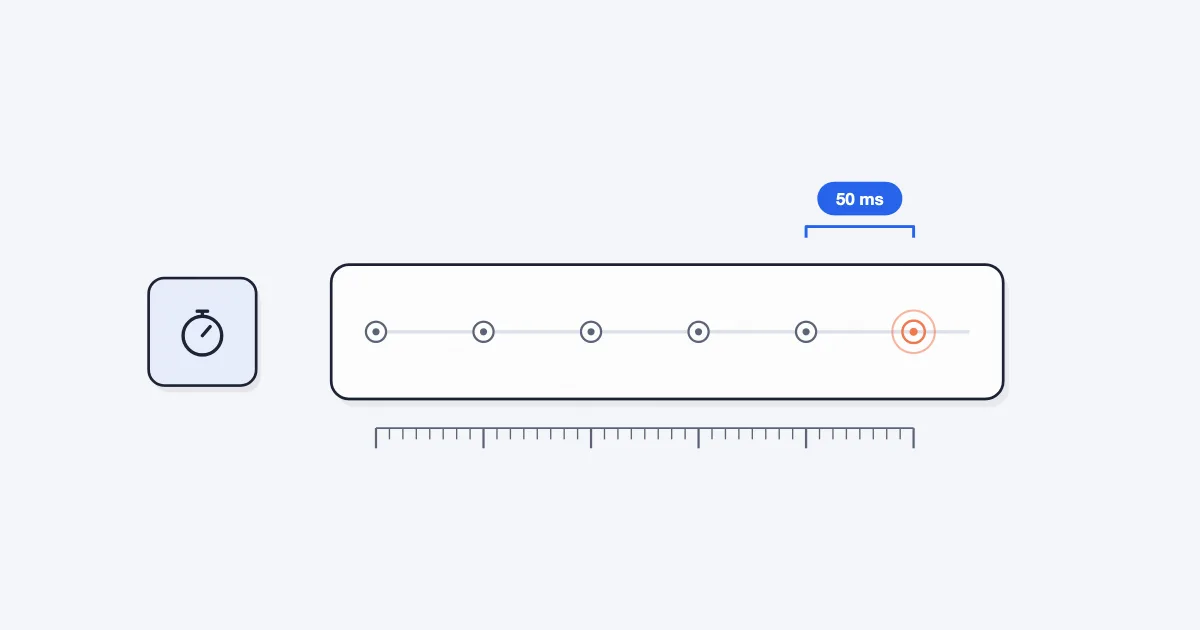
What limits auto clicker speed in Chrome, why Simple Auto Clicker stops at 50 ms, and how to measure the clicks per second you really get.
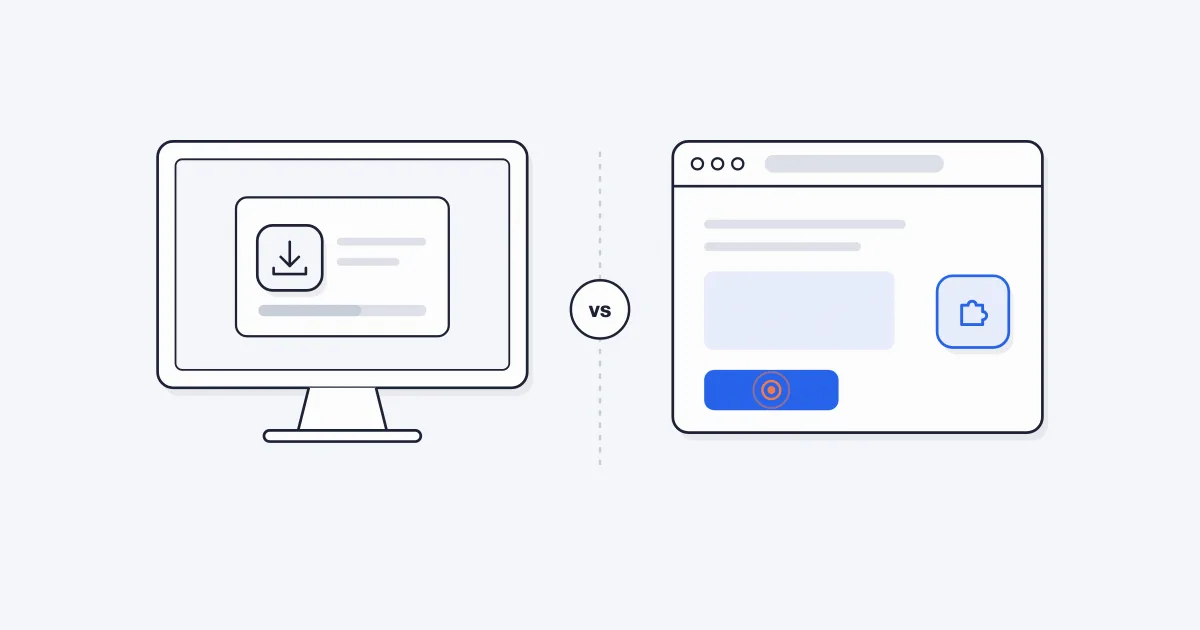
An honest comparison of desktop auto clicker apps and browser extensions for Windows PCs, with a simple way to decide which one you need.