
Auto Clicker Not Working? 8 Causes and Fixes
Eight real reasons a browser auto clicker stops working, how to spot each one, and which ones you can fix.
Guides
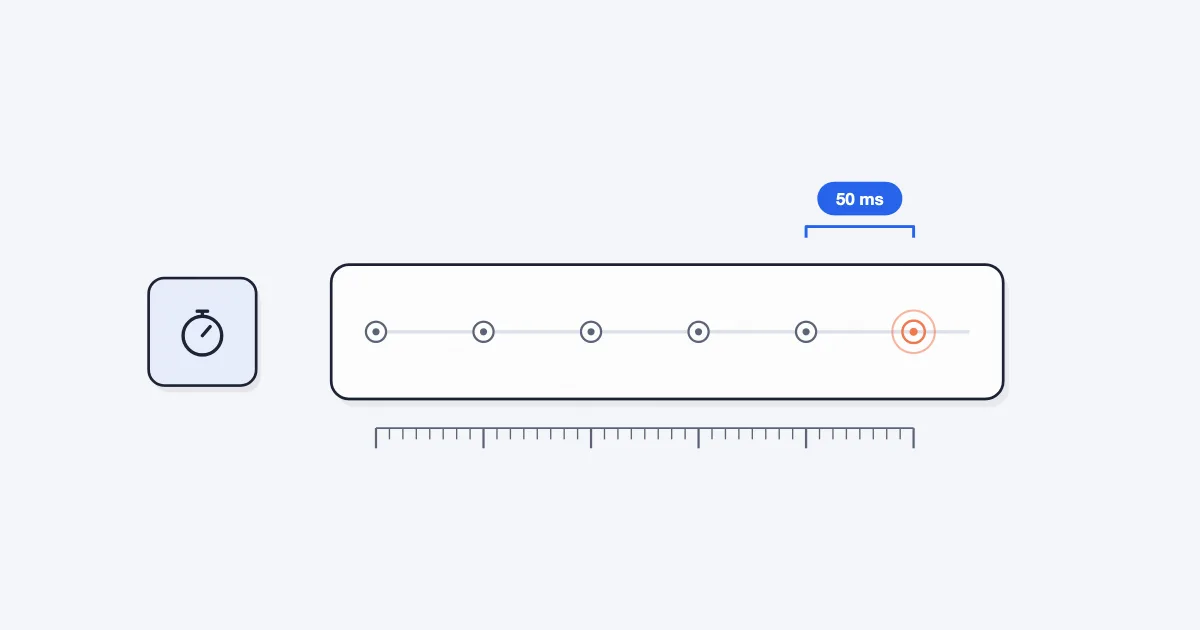
A browser auto clicker in Chrome can reliably click about 20 times per second, which is one click every 50 ms. That is the lowest interval Simple Auto Clicker allows. Faster settings are possible in theory, but Chrome's timers make them uneven, and many sites and games ignore most of the extra clicks anyway.
This guide explains where that limit comes from, why hidden tabs click slower, and how to measure the speed you really get.
Auto clickers use an interval: the time between clicks, in milliseconds (ms). One second is 1,000 ms. To turn an interval into clicks per second (CPS), divide 1,000 by the interval.
| Interval | Clicks per second | Good for |
|---|---|---|
| 1,000 ms | 1 | Refresh-style buttons, slow pages |
| 500 ms | 2 | Pages that need a moment to respond |
| 350 ms | about 2.9 | Cookie Clicker |
| 250 ms | 4 | A safe starting point for most games |
| 100 ms | 10 | Fast clicker games that accept it |
| 50 ms | 20 | The fastest Simple Auto Clicker setting |
A browser extension clicks by running a small timer on the page. Each time the timer fires, it sends a click. Web timers such as setInterval and setTimeout do not promise to fire exactly on time. The delay you set is a minimum.
If the page is busy, for example while it draws a big update or runs its own scripts, the timer waits until the page is free. According to MDN's notes on timer delays, this is one of several normal reasons a timer runs late.
At slow intervals, a few milliseconds late does not matter. At very fast intervals, the delays add up. Clicks bunch together, gaps appear, and the speed you set is not the speed you get.
Chrome adds its own rules on top, mostly to save battery and CPU.
When a timer keeps scheduling itself, browsers enforce a minimum delay of about 4 ms once it has repeated five times. That puts a hard ceiling on how often any page timer can run, even in a visible tab.
When a tab is hidden, because you switched tabs or minimized the window, Chrome checks its timers only about once per second. A clicker set to 50 ms in a hidden tab will click roughly once per second.
Since Chrome 88, a tab can be throttled much harder. If the page has been hidden for more than five minutes, has been silent for 30 seconds, is not using WebRTC, and its timer has repeated at least five times, Chrome checks that timer only about once per minute. A repeating clicker meets those conditions easily. Google describes these levels in its post on timer throttling in Chrome 88.
The practical rule: keep the tab you are clicking visible. If you run the clicker in several tabs, put each one in its own window, and do not minimize them.
Each click the extension sends is really a short series of events: pointer down, mouse down, pointer up, mouse up and click. It also draws a small blue pulse so you can see where it clicked. The page then has to react to every one of those clicks.
Below 50 ms, that work competes with Chrome's timer rules and the page's own scripts. Clicks stop arriving at an even pace, and the page can fall behind. So we set the floor at 50 ms, or 20 clicks per second, where timing stays steady on ordinary computers. If you type a lower number, the extension uses 50.
For most tasks you will want something slower anyway. Our guide on how to use an auto clicker in Chrome suggests intervals for common jobs.
Some auto clicker listings advertise intervals of 1 ms or thousands of clicks per second. For a browser extension, the timer rules above still apply. A page timer cannot fire every 1 ms for long, and a hidden tab cannot beat Chrome's background limits.
Desktop auto clicker apps send clicks through the operating system, so browser timer rules do not bind them in the same way. But the other side still decides what counts. A game or website only processes as many clicks as it is built to handle.
When you compare speed claims, the useful question is not "how fast can it send clicks?" but "how many clicks does my target actually count?"
Many clicker and idle games limit how many clicks count per second, or treat very fast input as suspicious. Cookie Clicker is one we tested: it counts scripted clicks at up to about 3 per second. At a 350 ms interval every click counts. At 50 ms you send 20 clicks per second, and most of them are thrown away. See our Cookie Clicker setup guide for the tested settings.
If a game seems to ignore your clicks at high speed, slow down before assuming the clicker is broken. Our troubleshooting guide lists the other common causes.
The setting you type is a target. To see what you really get, measure it.
Try a few intervals. If the gaps get uneven at the fastest setting, step up to a slightly longer interval. Run the same test in a hidden tab and you will see background throttling for yourself.
If you do not have the extension yet, you can add it from the Simple Auto Clicker homepage.
Any browser extension is bound by Chrome's timer rules. Simple Auto Clicker goes down to 50 ms, or 20 clicks per second, because that is the fastest pace it can hold steadily. Extensions that list faster numbers still face the same browser limits. Our comparison of auto clicker extensions looks at the options.
Chrome throttles timers in hidden tabs to about once per second, and to about once per minute after five minutes. Keep the tab visible to keep the speed.
Yes. Edge and Brave are built on the same Chromium engine as Chrome, so the 50 ms floor is the same. Each browser may add its own power-saving features for background tabs, so keep the tab visible in any of them.
Not usually. Many games cap scripted clicks, and many pages cannot keep up. The best interval is the fastest one your target actually counts.
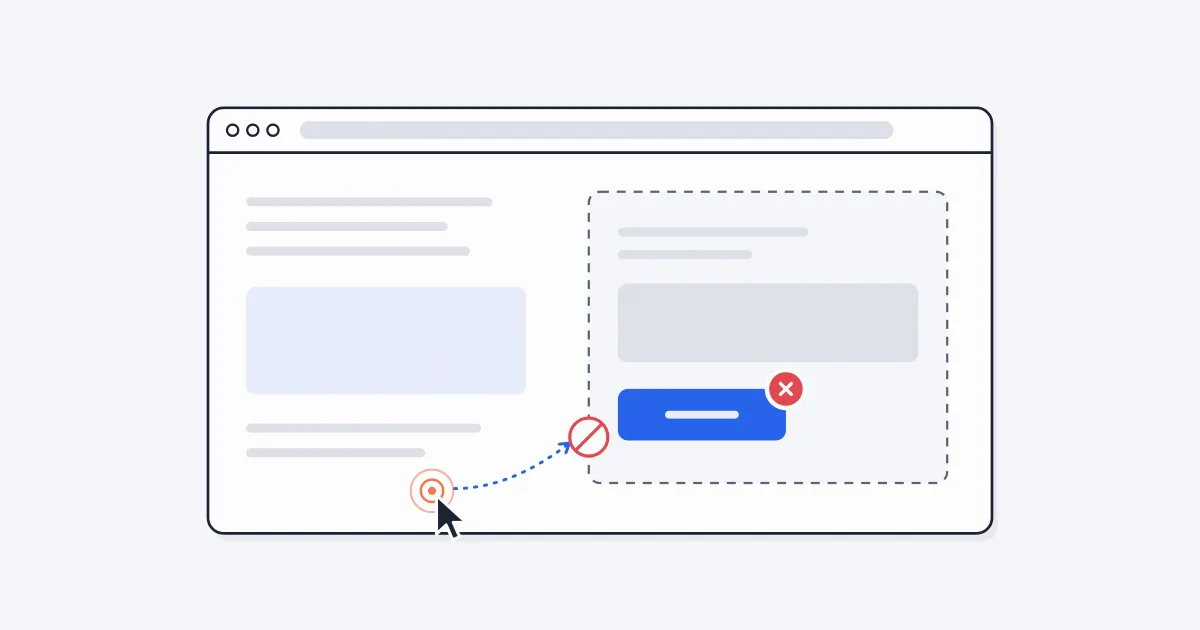
Eight real reasons a browser auto clicker stops working, how to spot each one, and which ones you can fix.
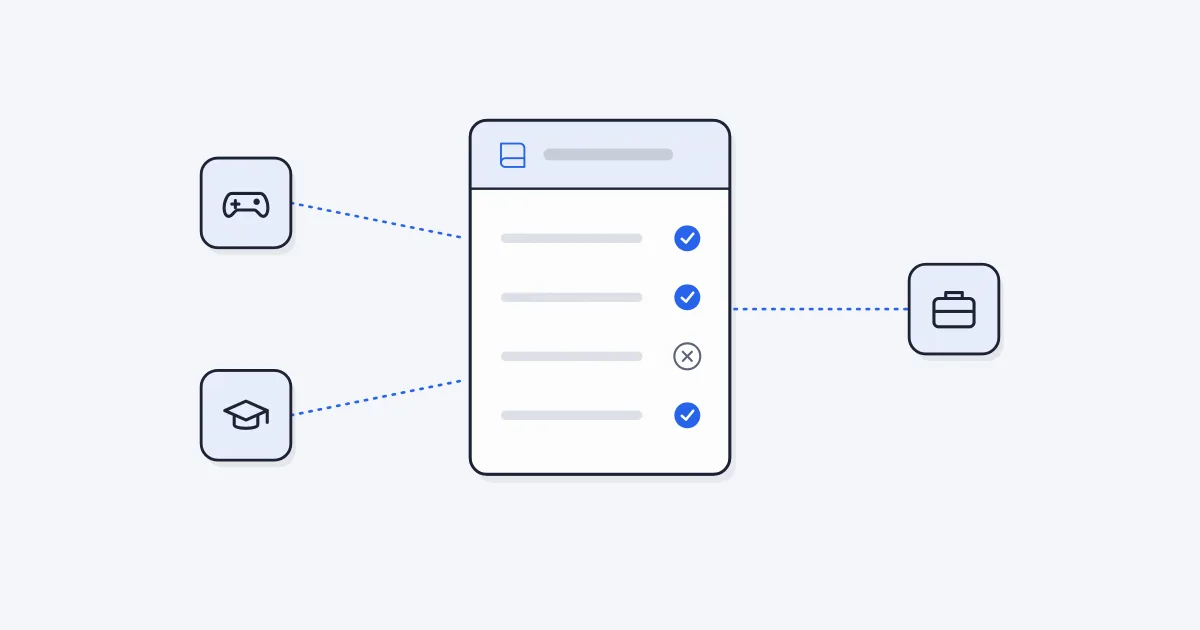
A practical guide to when auto clickers are fine and when they break the rules, for online games, single-player games, school devices and work tools.
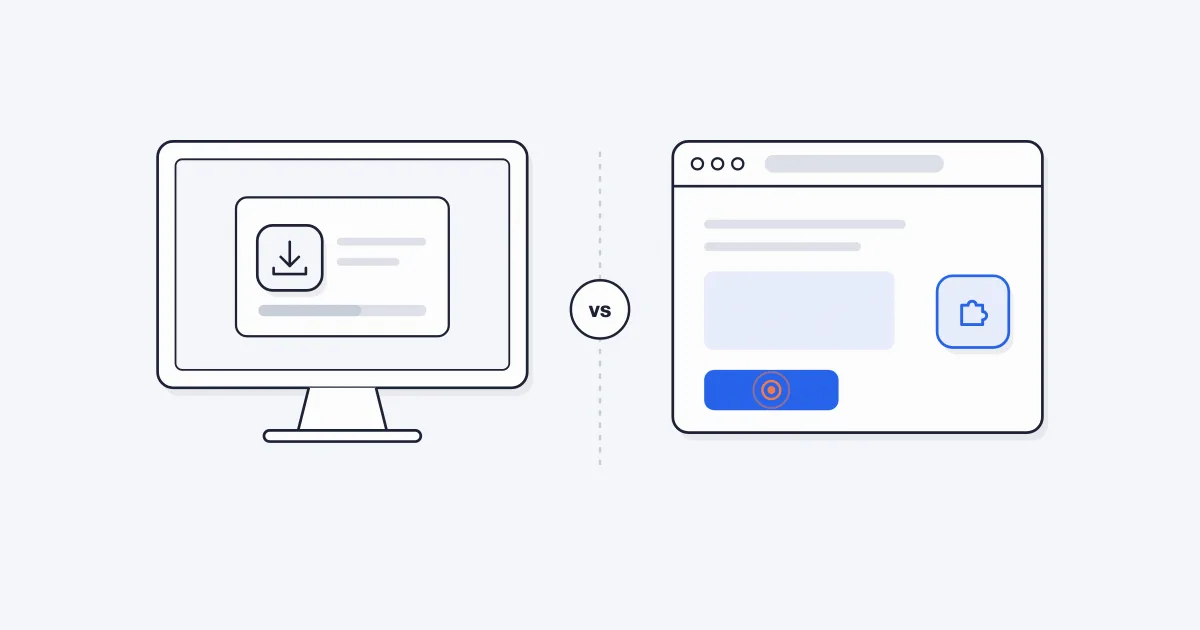
An honest comparison of desktop auto clicker apps and browser extensions for Windows PCs, with a simple way to decide which one you need.