
Auto Tap App for Faster and Smarter Screen Interaction Control
Everything you need to know about Auto Tap Apps in 2026
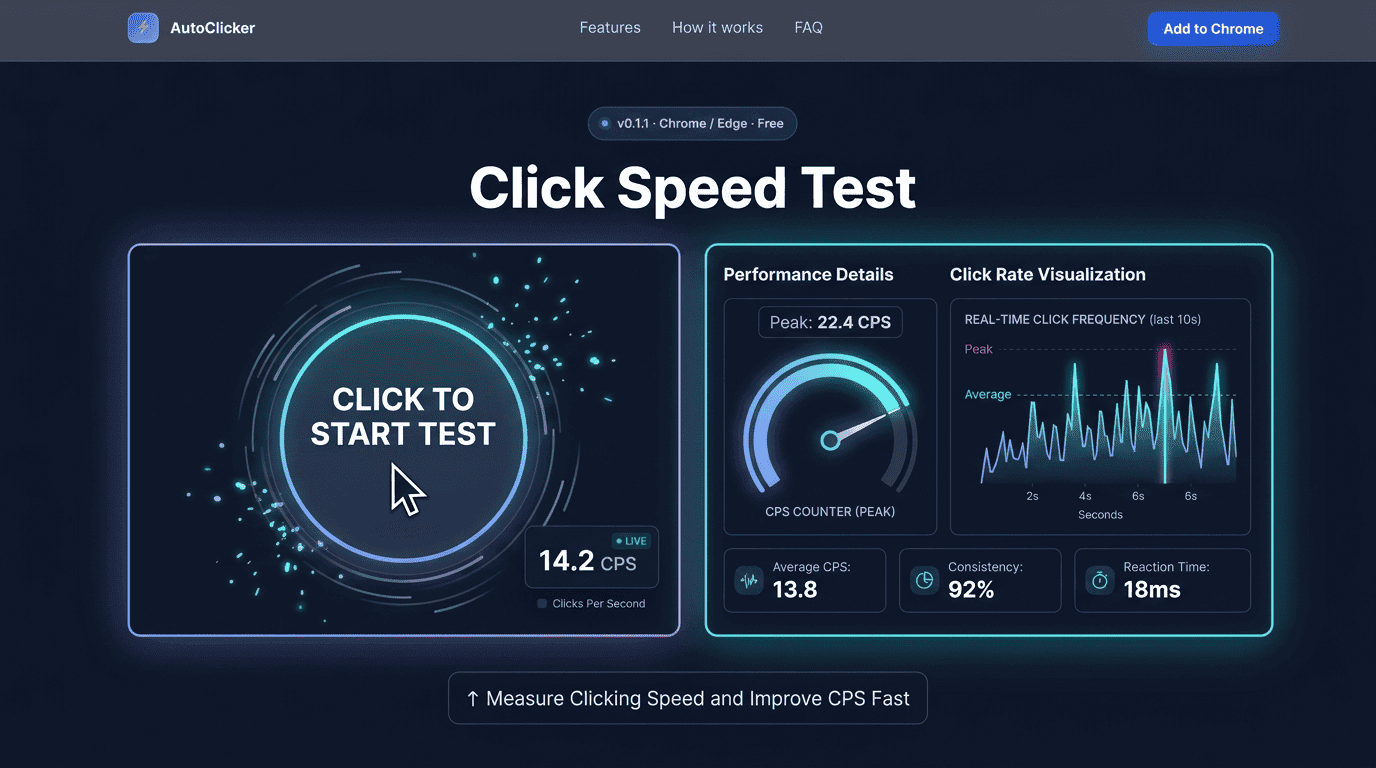
Whether you’re competing in fast-paced online games, testing your mouse performance, or simply curious about how quickly you can click, a Click Speed Test is one of the easiest ways to measure your clicking ability. In today’s digital world, reaction time and mouse control play a significant role in gaming, productivity, and overall computer efficiency.
Many users discover that improving their clicking speed can provide advantages in competitive gaming environments, especially in genres that require rapid actions. At the same time, regular computer users often use a Click Speed Test to evaluate mouse responsiveness and identify potential hardware issues.
At SimpleAutoClicker, we believe that performance starts with accurate measurement. Before improving your clicking speed, it is important to understand where you currently stand. This guide explains how click speed testing works, how CPS is calculated, what scores mean, and practical ways to improve your performance safely and consistently.
A Click Speed Test is an online tool designed to measure how many times you can click your mouse within a specific time period. The result is usually displayed as CPS, which stands for Clicks Per Second.
The concept is straightforward. Once the timer begins, users click as quickly as possible until the countdown ends. The system records the total number of clicks and divides that number by the duration of the test.
For example:
Most modern testing platforms offer multiple durations such as:
Different time frames help users assess both burst clicking ability and sustained clicking performance. A quality Click Speed Test also provides instant feedback, allowing users to track progress over time and identify areas for improvement.
Many people assume clicking speed only matters for gamers. While gaming remains one of the primary applications, clicking efficiency has benefits beyond entertainment.
Competitive Gaming Advantages
Popular multiplayer games often reward faster reactions and rapid actions. In certain situations, higher clicking speeds can provide advantages during combat, resource gathering, or quick interactions.
Players who regularly practice using a Click Speed Test often gain better control over their mouse movements and improve overall reaction consistency.
Evaluating Mouse Performance
A mouse click test can reveal whether a mouse is functioning correctly. If clicks fail to register consistently, users may identify hardware issues before they become serious problems.
Testing regularly helps determine:
Faster Computer Interaction
Even outside gaming, faster and more accurate clicking can improve efficiency when:
The goal is not simply clicking faster but clicking more effectively.
To make the most of a Click Speed Test, it helps to understand how CPS is calculated and what your score actually represents. CPS, or Clicks Per Second, is a simple metric that shows how many mouse clicks you can perform within a specific amount of time.
The calculation is straightforward:
CPS = Total Number of Clicks ÷ Test Duration (in Seconds)
For example, if you manage to make 75 clicks during a 10-second test, your CPS score would be:
75 ÷ 10 = 7.5 CPS
This standardized measurement makes it easier to compare results across different users and track personal improvement over time.
Popular Click Speed Test Durations
Most click testing tools offer multiple timer options, each designed to evaluate a different aspect of clicking performance.
1-Second Test
The shortest test available, the 1-second mode focuses entirely on burst speed. It measures how quickly you can click within a very limited timeframe.
5-Second Test
This duration provides a balance between speed and control. It is commonly used by players who want to assess both rapid clicking ability and consistency.
10-Second Test
The 10-second mode is the most widely used because it offers a realistic representation of overall clicking performance. It allows enough time to measure consistency without causing significant fatigue.
30-Second Test
A longer duration that evaluates endurance and rhythm. Maintaining a strong CPS score for 30 seconds requires both speed and stamina.
60-Second Test
This test measures sustained clicking ability over an extended period. It is particularly useful for identifying fatigue and understanding long-term clicking consistency.
While shorter tests highlight peak performance, longer durations often provide a more accurate picture of your true clicking ability in real-world scenarios.
What Can Affect Your CPS Score?
Several factors influence the results you achieve during a Click Speed Test. Even small changes in setup, technique, or physical condition can impact your performance.
Some of the most common factors include:
Because these variables can change from day to day, CPS scores are not always identical across testing sessions. Tracking your results over time is often more valuable than focusing on a single score, as it helps reveal long-term progress and consistency.
Many users wonder whether their score is good, average, or exceptional.While individual results vary, the following ranges provide a useful benchmark.
| CPS Range | Performance Level |
|---|---|
| 1–4 CPS | Beginner |
| 5–7 CPS | Average |
| 8–10 CPS | Above Average |
| 11–14 CPS | Advanced |
| 15+ CPS | Expert Level |
Beginner Range
New users typically score between one and four CPS. This is completely normal and provides a starting point for improvement.
Average Range
Most users achieve between five and seven CPS during a standard Click Speed Test.
Advanced Range
Players who practice regularly often maintain scores above ten CPS.
Expert Range
Highly experienced gamers using advanced techniques may exceed fifteen CPS consistently. It’s important to remember that raw speed alone does not determine success. Accuracy and timing remain equally important.
No two users achieve identical scores because multiple variables influence clicking performance.
Mouse Quality
The mouse itself plays a major role. High-quality gaming mice typically feature:
Inferior hardware may limit performance regardless of user skill.
Hand Positioning
Small adjustments in hand placement can significantly affect clicking efficiency. Proper positioning allows:
Practice Frequency
Like any skill, clicking speed improves through repetition. Regular use of a Click Speed Test helps develop muscle memory and timing.
Device Performance
System lag can impact results. Factors include:
Maintaining a smooth system environment ensures accurate testing.
Improvement requires both technique and consistency.
Jitter Clicking
Jitter clicking involves creating controlled hand vibrations that produce rapid clicks.
Benefits include:
However, excessive use may cause discomfort if practiced incorrectly.
Butterfly Clicking
Butterfly clicking alternates between two fingers on the mouse button.
Advantages include:
Many gamers consider this one of the most effective methods for improving scores during a cps test.
Drag Clicking
Drag clicking uses friction between the finger and mouse surface to generate multiple rapid clicks. This technique often requires specialized hardware and practice.
Consistent Practice
Regardless of technique, structured practice delivers the best long-term improvements.
A practical approach includes:
At SimpleAutoClicker, we encourage users to focus on gradual improvement rather than chasing unrealistic scores.
Hardware matters more than many users realize.
Switch Quality
Mechanical switches determine responsiveness and durability. Premium switches generally provide:
Weight Considerations
Mouse weight affects movement efficiency.Some users prefer lightweight designs for rapid actions, while others prefer heavier models for stability.
Sensor Performance
Although primarily related to movement tracking, a high-quality sensor contributes to overall responsiveness.
Durability
Frequent clickers can easily perform thousands of clicks per day.Choosing a durable mouse ensures long-term reliability and consistent performance during both a Click Speed Test and a mouse click test.
Many users assume that clicking speed and mouse accuracy are the same thing. In reality, they measure two completely different aspects of mouse performance.
A Click Speed Test focuses on how quickly you can click within a specific time frame. The primary metric is CPS (Clicks Per Second), which reflects speed and consistency. These tests are particularly popular among gamers who want to improve reaction-based performance.
A mouse accuracy test, on the other hand, measures how precisely you can move and position the cursor. Accuracy tests evaluate hand-eye coordination, cursor control, and targeting skills.
Key Differences Between the Two Tests
| Feature | Click Speed Test | Mouse Accuracy Test |
|---|---|---|
| Primary Goal | Measure clicking speed | Measure cursor precision |
| Main Metric | CPS (Clicks Per Second) | Accuracy Percentage |
| Focus Area | Finger speed | Mouse control |
| Common Users | Gamers and enthusiasts | Designers, gamers, professionals |
| Performance Indicator | Click frequency | Targeting precision |
When Should You Use Each Test?
A Click Speed Test is ideal when:
A mouse accuracy test is useful when:
Why Combining Both Tests Produces Better Results
The most successful gamers rarely focus on speed alone. Fast clicking without precision can lead to missed actions and reduced efficiency.
Similarly, perfect accuracy without sufficient clicking speed may limit performance in competitive situations.
At SimpleAutoClicker, we recommend balancing speed and precision to create a well-rounded skill set. Users who regularly practice both types of tests often see better overall mouse control and improved performance in real-world scenarios.
Many users take a test once, record a score, and never revisit it. However, meaningful improvement comes from consistent tracking and analysis.
Establish a Baseline
Start by completing multiple tests under similar conditions. Record:
This creates a benchmark against which future performance can be measured.
Create a Weekly Practice Routine
Consistency is more important than intensity. A practical schedule may include:
Small improvements accumulate significantly over time.
Analyze Your Performance Trends
Rather than focusing on a single score, evaluate trends. Ask questions such as:
Tracking progress helps identify strengths and opportunities for improvement.
Set Realistic Goals
Many beginners immediately aim for expert-level scores. A better approach is incremental improvement. Examples include:
Achievable goals help maintain motivation and create sustainable progress.
The popularity of click testing has led to several misconceptions.
Myth 1: Higher CPS Always Means Better Gaming Performance
While speed is valuable, successful gameplay depends on many factors. These include:
Fast clicking alone does not guarantee better results.
Myth 2: Expensive Mice Automatically Increase CPS
Premium hardware can improve responsiveness, but skill remains the most important factor. Even the best mouse cannot replace consistent practice and proper technique.
Myth 3: Longer Practice Sessions Produce Faster Results
Overtraining often causes fatigue and reduces efficiency. Short, focused sessions generally produce better long-term improvements.
Myth 4: Everyone Can Reach Expert CPS Scores
Individual factors such as finger dexterity, comfort, and coordination vary from person to person. Improvement should focus on personal progress rather than comparison with others.
Myth 5: CPS Is the Only Metric That Matters
Many users become obsessed with numbers. In reality, balanced performance includes:
The best performers combine all these elements effectively.
Detect Button Wear Early
Regular mouse testing helps identify button wear before it affects performance. Over time, mouse switches can develop issues such as missed clicks, delayed responses, double-clicking, or inconsistent click registration. Detecting these problems early can help prevent disruptions during work or gaming.
Verify Consistent Mouse Performance
A stable CPS score often indicates that your mouse is functioning properly. If you notice sudden drops in performance, it may be caused by switch degradation, software conflicts, system latency, or physical damage. Routine testing helps ensure your hardware remains reliable.
Identify Environmental Impacts
Dust, dirt, and improper maintenance can affect mouse responsiveness over time. Performing a mouse click test periodically helps monitor performance changes and ensures your mouse continues to operate at its best.
Most users achieve between 5 and 7 CPS.Scores above 10 CPS are generally considered advanced, while scores exceeding 15 CPS are often associated with highly experienced users.
Modern testing tools are generally very accurate when used on stable systems and updated browsers.Results may vary slightly depending on hardware and system performance.
The 10-second test remains the most popular option because it balances speed and consistency.
A Click Speed Test is more than just a fun online challenge. It provides valuable insights into clicking performance, mouse responsiveness, and overall computer interaction skills.
Whether you are a competitive gamer, a technology enthusiast, or simply someone interested in improving mouse performance, understanding CPS can help you track progress and identify opportunities for improvement.
Consistent practice, proper technique, quality hardware, and realistic goals are the foundations of long-term success. Rather than focusing solely on achieving the highest possible score, aim to develop a balance of speed, accuracy, comfort, and consistency.
At SimpleAutoClicker, we encourage users to treat click testing as a tool for growth rather than a competition. By regularly monitoring performance and applying proven improvement strategies, you can steadily increase your CPS while maintaining healthy clicking habits.
Free, element-aware, three permissions, no tracking. About 30 seconds from install to your first run.

Everything you need to know about Auto Tap Apps in 2026

Everything you need to know about Auto Clicker Apps today.

The ultimate Auto Clicker App guide for automated workflows.