
Auto Tap App for Faster and Smarter Screen Interaction Control
Everything you need to know about Auto Tap Apps in 2026
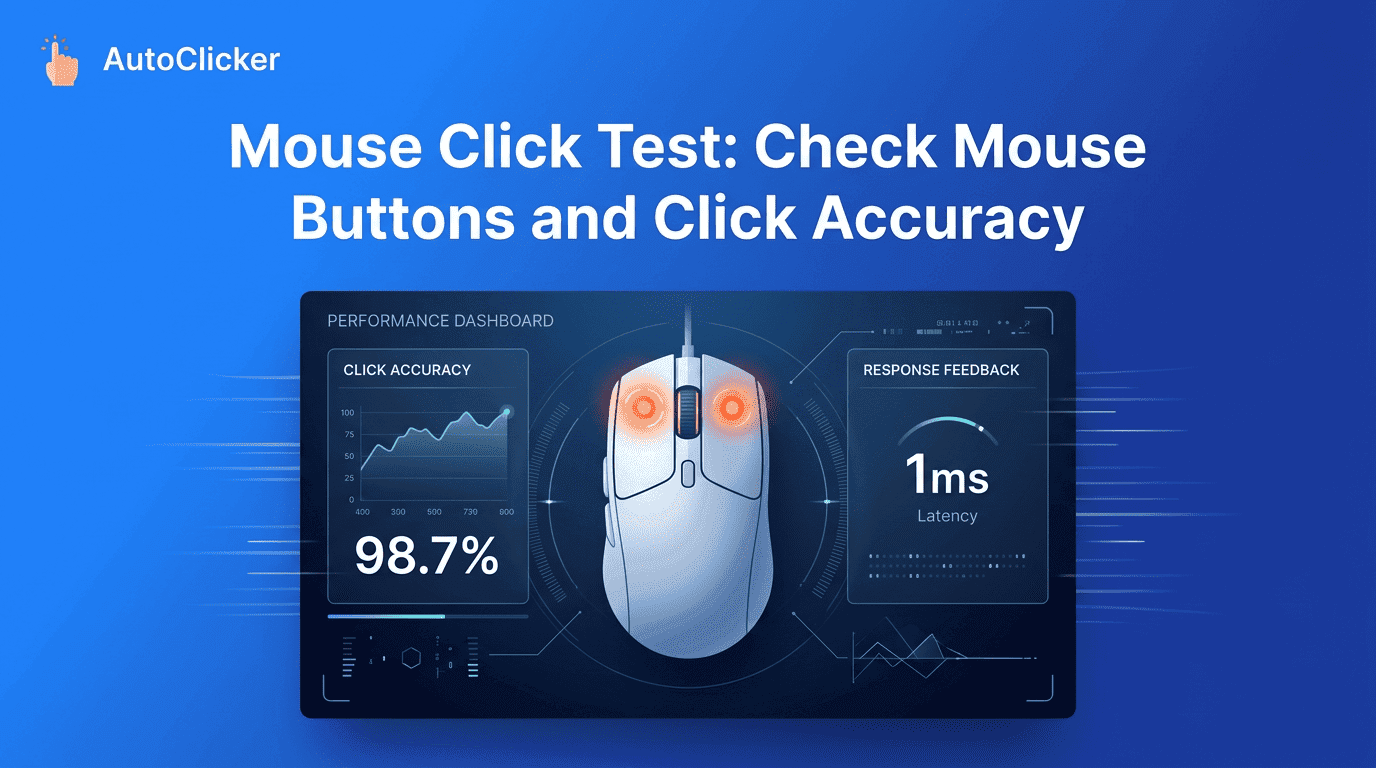
A mouse click test is a simple yet powerful way to evaluate whether your mouse buttons are working correctly and consistently. In today’s digital environment, where users rely heavily on precise clicking for gaming, productivity, design work, and browsing, even minor mouse issues can affect performance and workflow.
At Simple Auto Clicker, we understand that a smooth and responsive mouse is essential for both casual and professional users. A mouse click test helps identify hidden hardware problems, measure button responsiveness, and ensure that every click is registered accurately.
Many users only notice mouse issues when they become serious, such as missed clicks or double-click errors. However, regular testing can help detect these problems early and maintain consistent performance over time.
A mouse click test is a diagnostic method used to check how accurately and consistently a mouse registers clicks. It measures the responsiveness of left, right, and middle mouse buttons by tracking whether each click is properly detected by the system.
When performing a test, users simply click different mouse buttons repeatedly while the system records responses. This helps identify issues like missed clicks, delayed responses, or inconsistent input registration.
A properly functioning mouse should register every click instantly without delay. If inconsistencies appear during a mouse click test, it often indicates a hardware or software-related issue.
The process is widely used by gamers, designers, and professionals who depend on precision input devices for daily tasks.
Over time, even high-quality mice can develop performance issues. Recognizing early warning signs can prevent long-term frustration.
Common signs include:
When these symptoms appear, performing a mouse click test becomes essential to diagnose the issue.
At Simple Auto Clicker, we recommend checking your mouse regularly if you use it for gaming or professional tasks. Early detection helps avoid interruptions during critical work or gameplay.
Testing each mouse button individually is important for accurate results.
During a mouse click test, each button should respond consistently without lag or missed inputs. If one button behaves differently, it may indicate wear or internal damage.
Users can also compare response consistency across all buttons to evaluate overall mouse health.
Mouse problems can arise from both hardware and software sources. Understanding these causes helps in identifying the right solution.
Some common issues include:
A mouse click test helps isolate whether the problem is hardware-related or caused by system settings.
In many cases, cleaning the mouse or updating drivers can improve performance significantly.
One of the most common issues users face is unintended double-clicking. This happens when a single click is registered as two separate inputs.
Symptoms include:
A mouse click test helps detect this issue by showing inconsistent click patterns. If double clicks occur frequently, it may indicate worn-out switches that need replacement.
Performing regular testing offers several long-term benefits.First, it helps maintain consistent performance by identifying early signs of wear. Second, it ensures accuracy in tasks that require precision, such as gaming or design work.
A mouse click test also helps users understand how their device performs under different conditions. This is especially useful for competitive gamers who rely on fast and accurate inputs.
Additionally, routine testing can extend the lifespan of a mouse by encouraging timely maintenance or replacement before major failures occur.
Although both tests involve clicking, they serve different purposes.
A mouse click test focuses on button functionality and accuracy, while a click speed test measures how fast a user can click within a specific time frame.
Key differences include:
Using both tests together provides a complete understanding of mouse performance.At Simple Auto Clicker, we recommend combining both methods for the best overall results.
Mouse hardware plays a major role in overall click performance. Even if a user has good technique, poor hardware can limit results.
Important factors include:
A high-quality mouse ensures that every mouse click test produces accurate and consistent results. On the other hand, worn or low-quality devices may show irregular behavior even under normal conditions.
A mouse click test is an essential tool for anyone who relies on accurate mouse performance. Whether you are a gamer, designer, or everyday user, ensuring that your mouse buttons work properly can significantly improve your overall experience.
By regularly testing your mouse, you can detect early signs of wear, prevent double-click issues, and maintain consistent performance over time. Combined with proper maintenance and quality hardware, this simple practice helps extend the life of your device.
At Simple Auto Clicker, we encourage users to make mouse testing a regular habit. It ensures reliability, improves productivity, and guarantees that every click counts when it matters most.
Taking a few minutes to perform a mouse click test today can save you from bigger issues tomorrow.
Free, element-aware, three permissions, no tracking. About 30 seconds from install to your first run.

Everything you need to know about Auto Tap Apps in 2026

Everything you need to know about Auto Clicker Apps today.

The ultimate Auto Clicker App guide for automated workflows.