
Auto Tap App for Faster and Smarter Screen Interaction Control
Everything you need to know about Auto Tap Apps in 2026
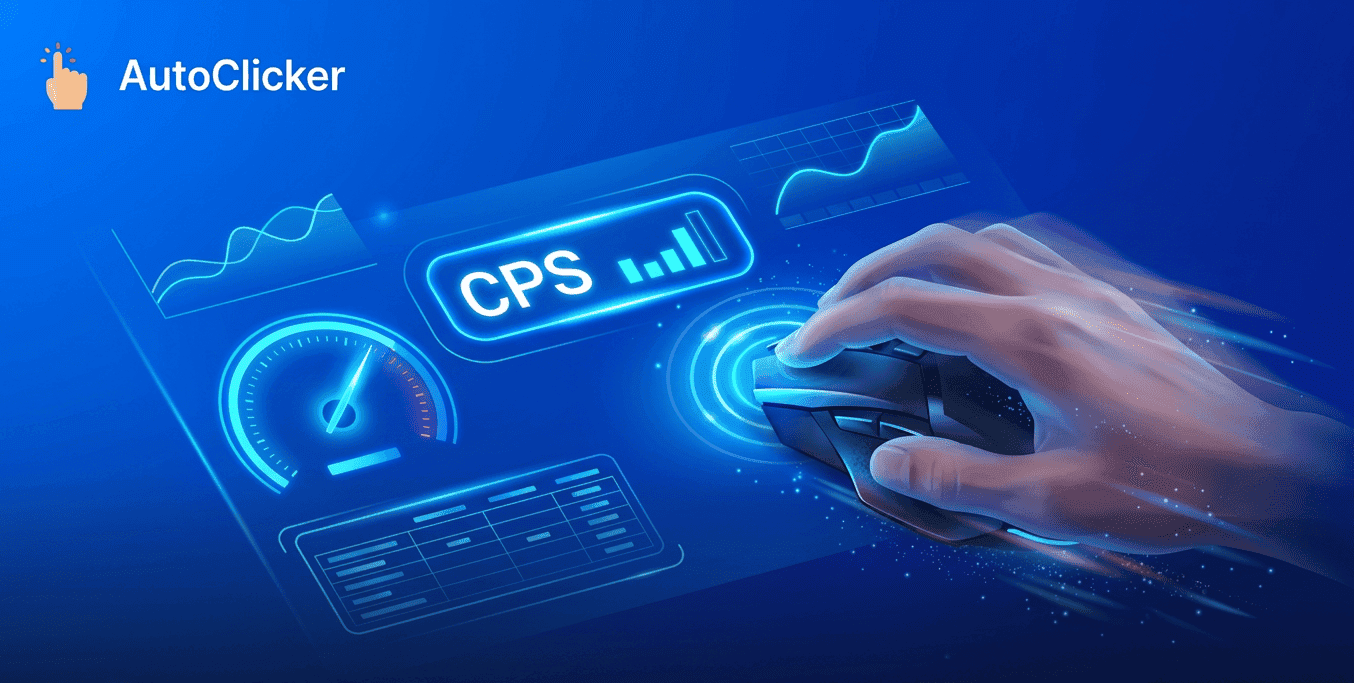
A CPS test is one of the most popular ways to measure how quickly a person can click a mouse button within a specific period. CPS stands for Clicks Per Second, a simple yet effective metric used to evaluate clicking speed, consistency, and overall mouse control. Whether you’re a competitive gamer, a casual player, or someone interested in testing mouse performance, understanding your CPS score can provide valuable insights into your clicking ability.
Many users take a CPS test to benchmark their performance, compare scores with others, or identify areas for improvement. As gaming becomes increasingly competitive, even small improvements in clicking speed can make a noticeable difference in certain game scenarios. At Simple Auto Clicker, we believe that measuring performance is the first step toward improvement. This guide explains what CPS means, how it is measured, and the practical steps you can take to achieve better results.
A CPS test measures the number of mouse clicks a user can perform within a set time limit. The final result is displayed as clicks per second, allowing users to compare their performance against common benchmarks and track progress over time.
The popularity of click speed testing has grown significantly among gamers because many online games require fast reactions and repeated clicking. However, the benefits extend beyond gaming. A CPS score can also help evaluate mouse responsiveness, detect hardware issues, and improve hand-eye coordination.
The importance of a CPS test lies in its ability to provide measurable feedback. Instead of guessing whether your clicking speed is improving, you can use actual data to monitor progress. This objective approach makes it easier to set realistic goals and measure improvement consistently.
For many users, the test becomes a personal challenge. They start with an average score and gradually improve through practice, better techniques, and optimized hardware settings. The ability to track measurable growth is one reason why CPS testing remains so popular.
Understanding how a CPS test works helps users interpret their results correctly. The calculation is simple:
CPS = Total Clicks ÷ Total Time
For example, if you click 70 times in 10 seconds, your CPS score would be 7.
Most online testing tools offer multiple time durations, including:
Shorter tests focus on burst speed, while longer tests measure consistency and endurance. The 10-second test is often considered the most balanced option because it reflects realistic clicking performance without causing significant fatigue.
At Simple Auto Clicker, we recommend taking multiple tests and averaging the results rather than relying on a single attempt. This provides a more accurate representation of overall clicking performance.
One of the first questions users ask after completing a CPS test is whether their score is good or bad. While there is no universal standard, CPS scores generally fall into several performance categories.
| CPS Score | Skill Level |
|---|---|
| 1–4 CPS | Beginner |
| 5–7 CPS | Average |
| 8–10 CPS | Above Average |
| 11–14 CPS | Advanced |
| 15+ CPS | Expert |
Most users achieve scores between 5 and 7 CPS during their first few tests. With regular practice and proper technique, many can increase their performance over time.
Advanced users often focus on consistency rather than peak scores. A stable score across multiple sessions typically indicates better overall control than a single exceptionally high result.
Different testing durations evaluate different aspects of clicking performance. Choosing the right mode depends on your goals.
1-Second Test
This mode measures maximum burst speed. It is useful for evaluating peak performance and rapid clicking ability.
5-Second Test
A balanced option that combines speed and consistency. Many users prefer this mode because it reduces the influence of fatigue.
10-Second Test
The most popular duration for a CPS test. It provides a realistic measurement of clicking ability while maintaining consistency.
30-Second Test
This longer duration evaluates endurance and rhythm. Maintaining a strong score for 30 seconds requires both speed and stamina.
60-Second Test
The longest commonly available mode measures sustained performance. It helps users understand how fatigue impacts clicking speed over time.
Improving clicking speed requires a combination of technique, practice, and proper equipment. While some users expect instant results, meaningful improvement usually comes from consistent effort over time.
One effective strategy is daily practice. Spending just a few minutes per day taking a CPS test can help build finger coordination and muscle memory. Over weeks and months, these small improvements often add up significantly.
Users can also experiment with advanced clicking techniques such as:
These methods can increase click frequency, but they should be practiced carefully to avoid discomfort or strain.
Many users unintentionally reduce their performance by making avoidable mistakes during testing.
One common error is focusing solely on speed while ignoring consistency. Random clicking patterns often produce lower average scores than controlled, rhythmic clicking.
Another mistake is using excessive force. Pressing too hard can slow finger movement and increase fatigue. Efficient clicking relies more on timing and control than raw strength.
Poor posture and uncomfortable hand positioning can also impact results. Even small ergonomic adjustments can improve comfort and consistency during testing sessions.
Avoiding these mistakes can help users achieve more accurate results and maintain steady progress over time.
A higher CPS score can provide advantages in certain gaming scenarios where rapid clicking is beneficial. Fast clicking may improve responsiveness during combat, resource collection, inventory management, or other action-intensive tasks.
However, it is important to understand that a high CPS score alone does not guarantee gaming success. Factors such as strategy, reaction time, positioning, and accuracy remain critical components of overall performance.
The greatest benefit of a CPS test is not simply increasing click speed but developing greater control and consistency. These skills often translate into smoother gameplay and better confidence during competitive situations.
Hardware quality can significantly impact clicking performance. Even highly skilled users may struggle to achieve consistent scores if their mouse is unreliable or poorly maintained.
Important hardware factors include:
Premium gaming mice often provide faster response times and more reliable click registration. However, expensive equipment alone does not guarantee better results.
At Simple Auto Clicker, we encourage users to focus on both skill development and hardware reliability. The best results typically come from combining proper technique with dependable equipment.
A CPS test is more than a simple online challenge. It is a practical tool for measuring clicking speed, tracking improvement, and evaluating mouse performance. Whether you are aiming to improve gaming skills, monitor hardware health, or simply challenge yourself, understanding CPS provides valuable insights into your clicking ability.
Consistent practice, proper technique, realistic goals, and quality equipment all contribute to long-term success. Rather than chasing unrealistic scores, focus on gradual improvement and measurable progress.
At Simple Auto Clicker, we believe that small improvements made consistently lead to meaningful results over time. By regularly testing your performance, analyzing your scores, and applying proven improvement strategies, you can steadily increase your clicking speed while maintaining accuracy and comfort.
Free, element-aware, three permissions, no tracking. About 30 seconds from install to your first run.
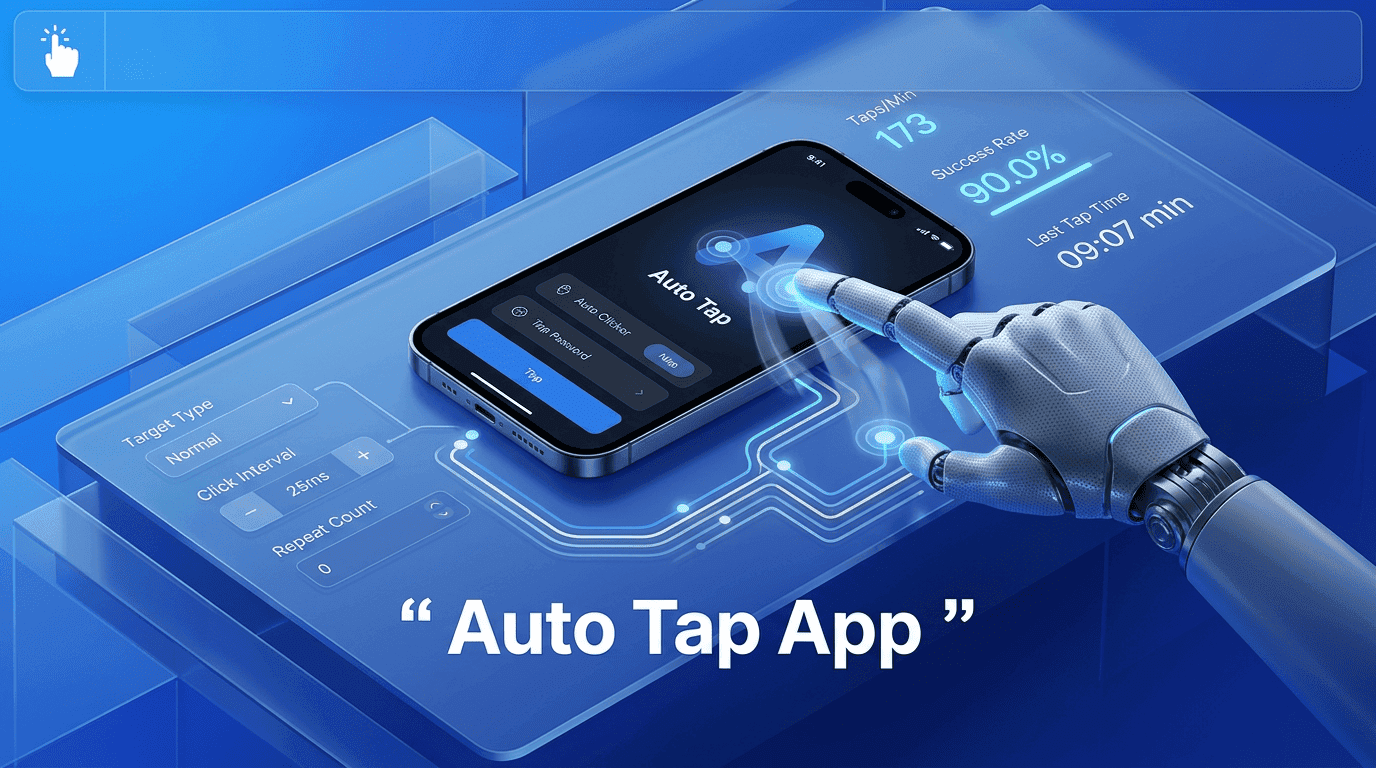
Everything you need to know about Auto Tap Apps in 2026
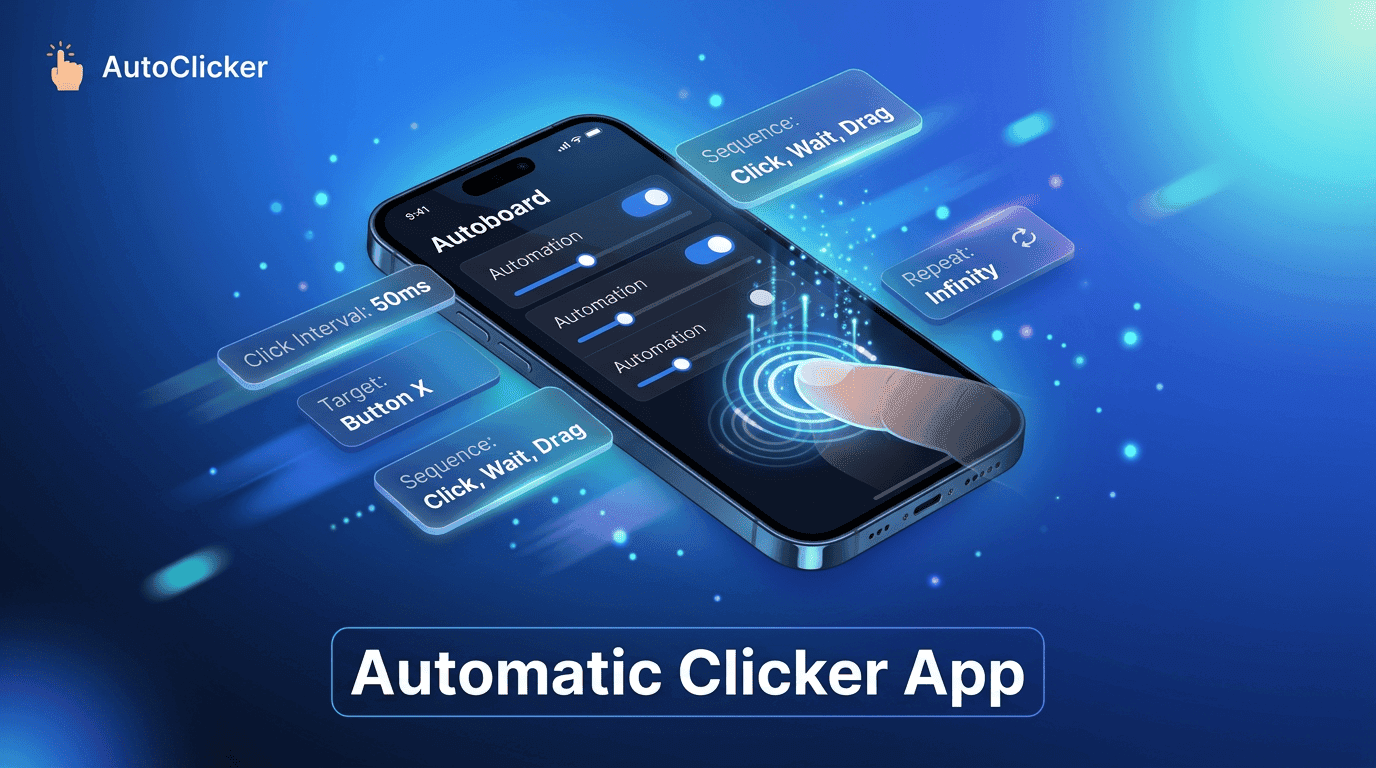
Everything you need to know about Auto Clicker Apps today.

The ultimate Auto Clicker App guide for automated workflows.